Case Study

Vocalex

Designing a vocabulary-learning system.

Vocalex helps learners build vocabulary through adaptive practice. I led the product design, shaping the experience from information architecture through interaction design.

RolePrincipal Designer
Team1:1 Founder/Developer
Timeline3 months
FocusUX, IA, Pedagogical System Design
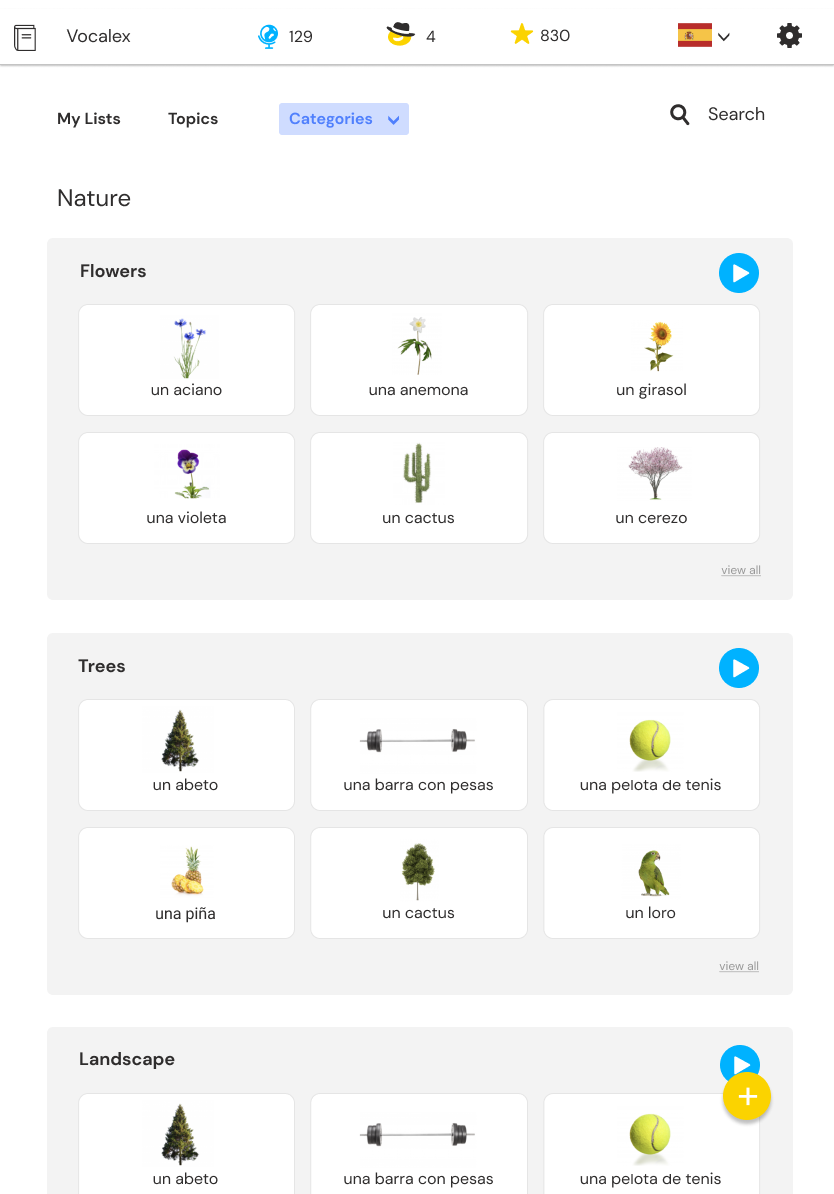
Final Vocalex categories screen showing vocabulary cards
The Challenge

Design a platform for multilingual learners to practice vocabulary through reinforcement and gamification.

My Role

Principal Designer

01Discover

Mapping the learning ecosystem

Before opening Figma, we mapped the complete learning experience on a whiteboard, exploring navigation models, content structures, progression systems, and teacher workflows.

Whiteboard mapping for Vocalex learning architecture
02Explore

Exploring navigation models

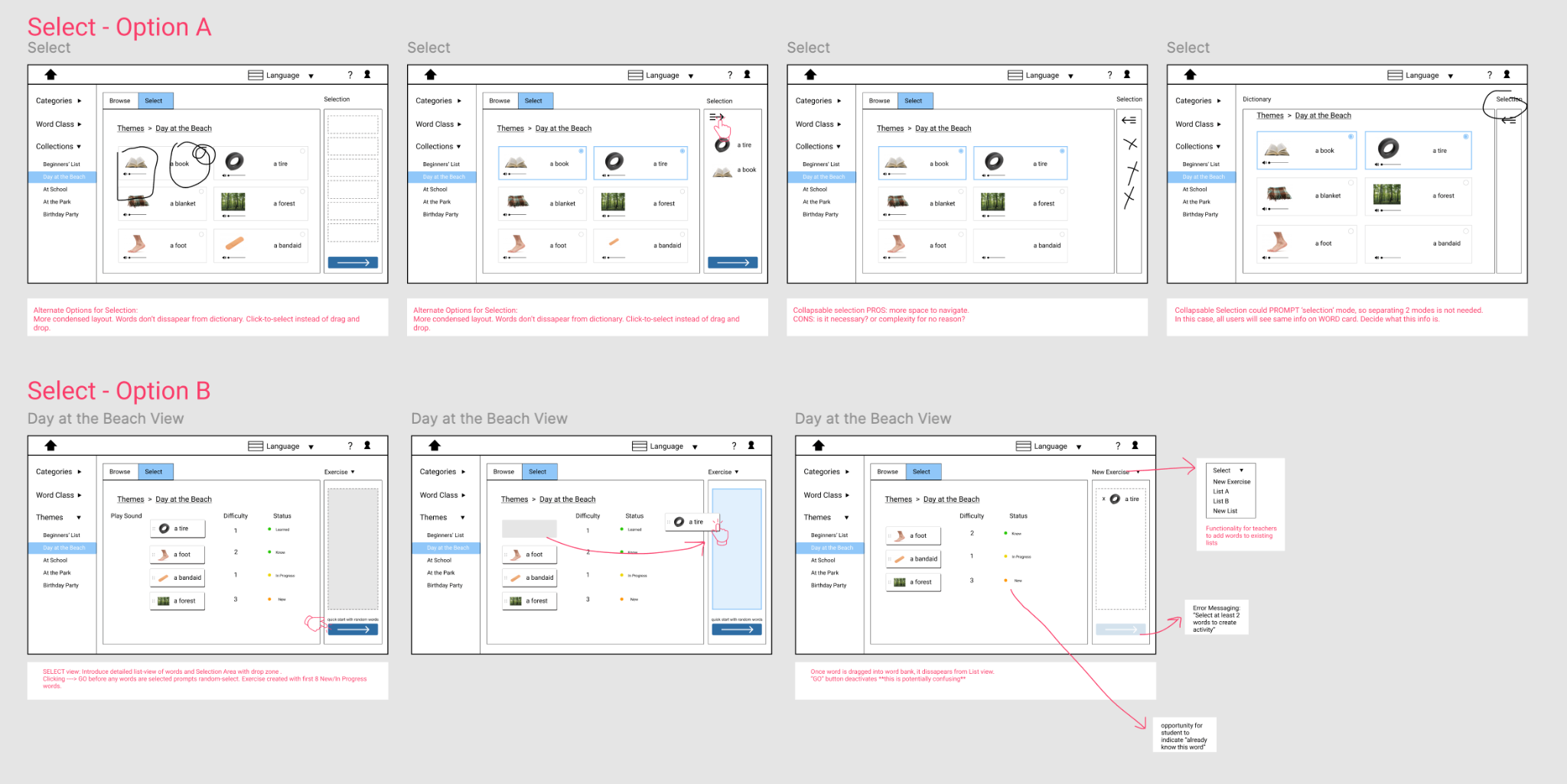
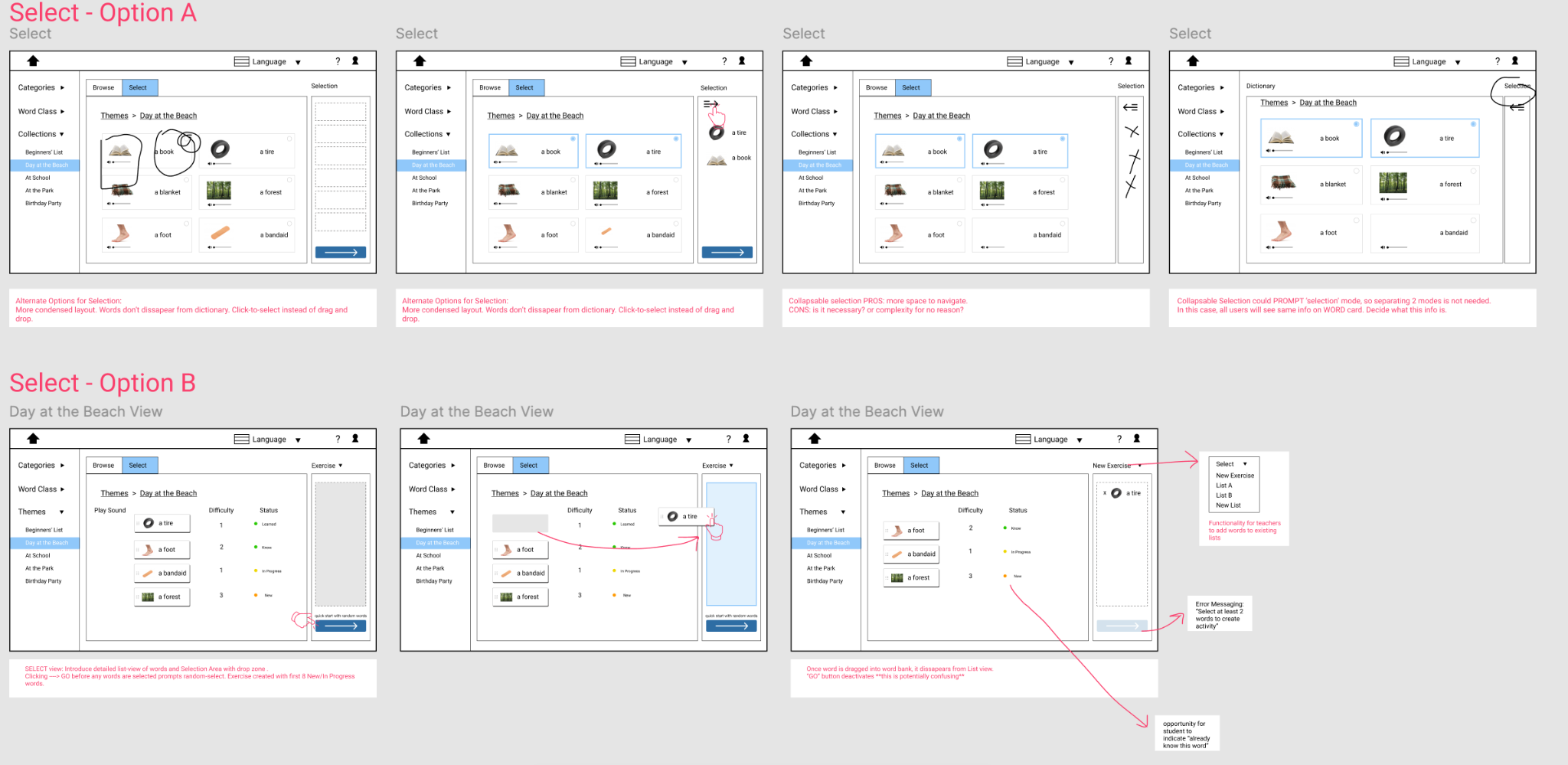
I explored several mental models before committing to the final architecture.

vs.

Traditional Hierarchy

Traditional hierarchy exploration screens

Clear structure, but created more steps for teachers to find and add words.

Browsing Model

Selection model exploration screens

Faster browsing and discovery. This became the foundation for the final design.

03Architect

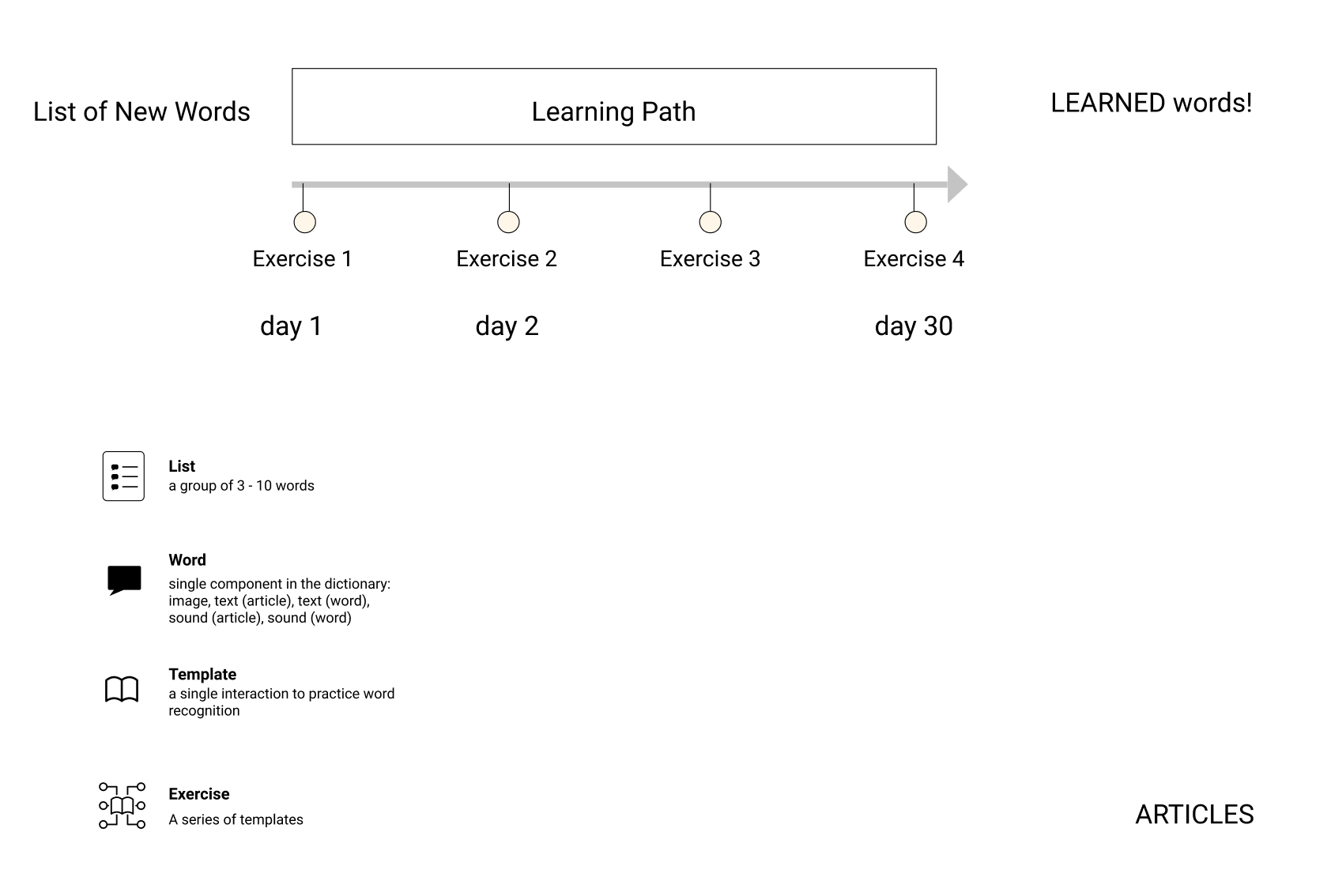
Building the learning architecture

A system designed to support spaced repetition, progress tracking, and flexible lesson creation.

Learning path diagram showing words, exercises, and learned words
04Design

Game mechanics that motivate

We layered progression, rewards, and playful feedback to keep students coming back.

Level Complete

Level complete screen with locked next level

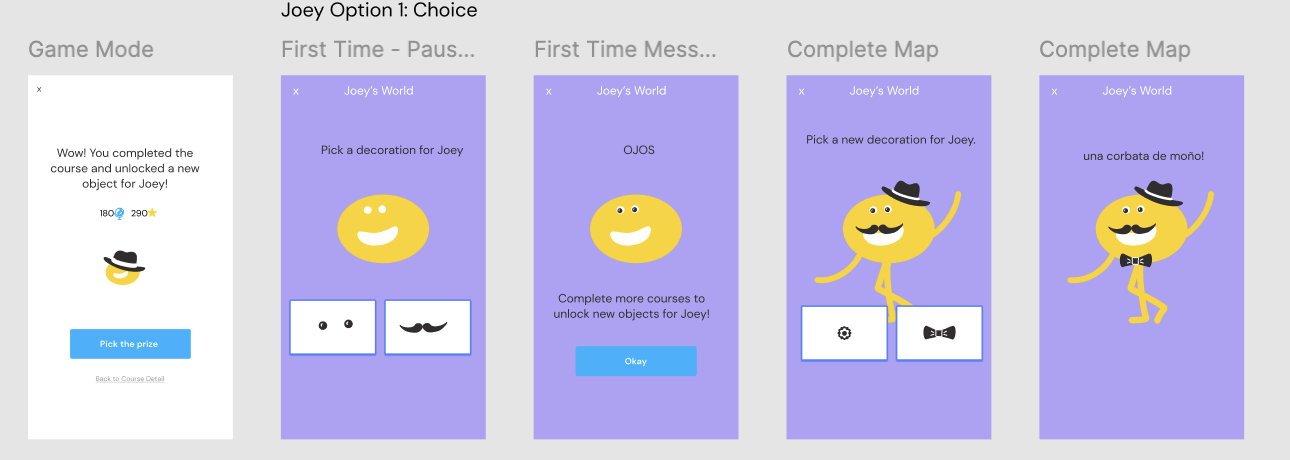
Unlock & Reward

Joey reward selection flow

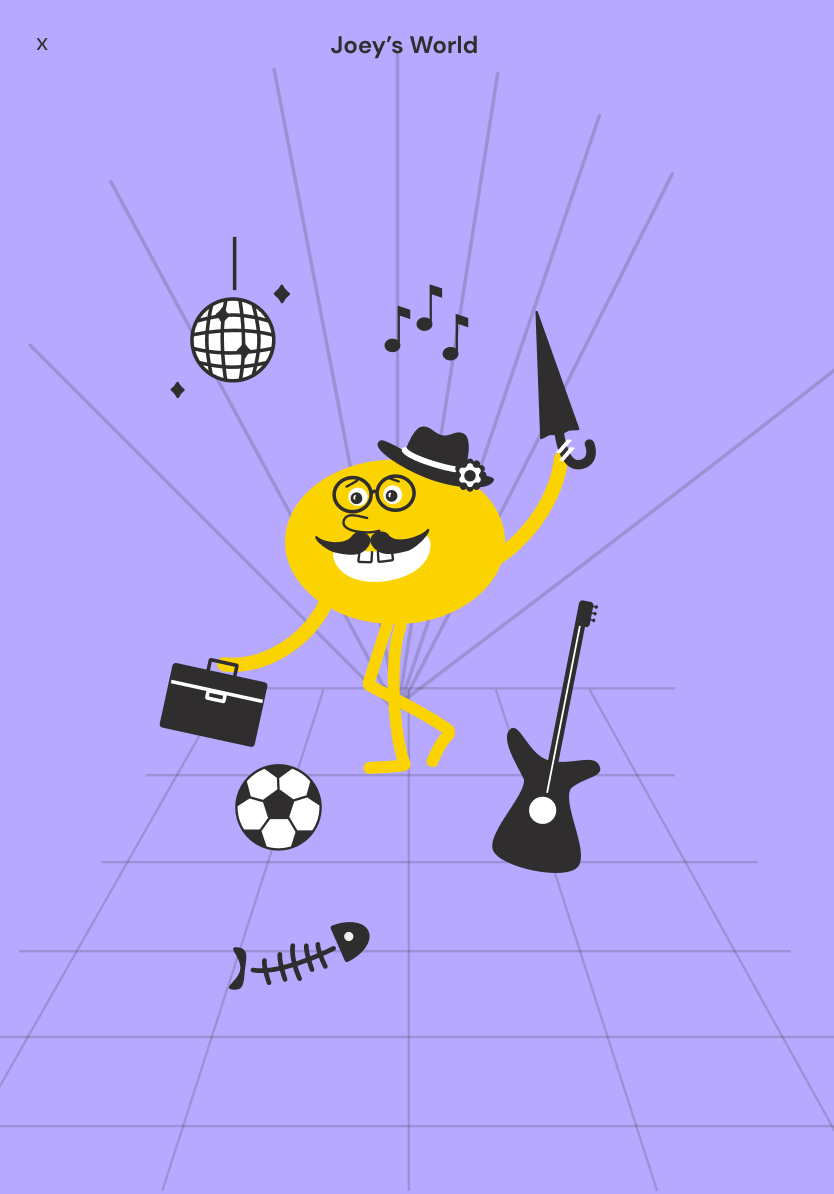
Joey's World

Joey's World reward map

Practice Mode

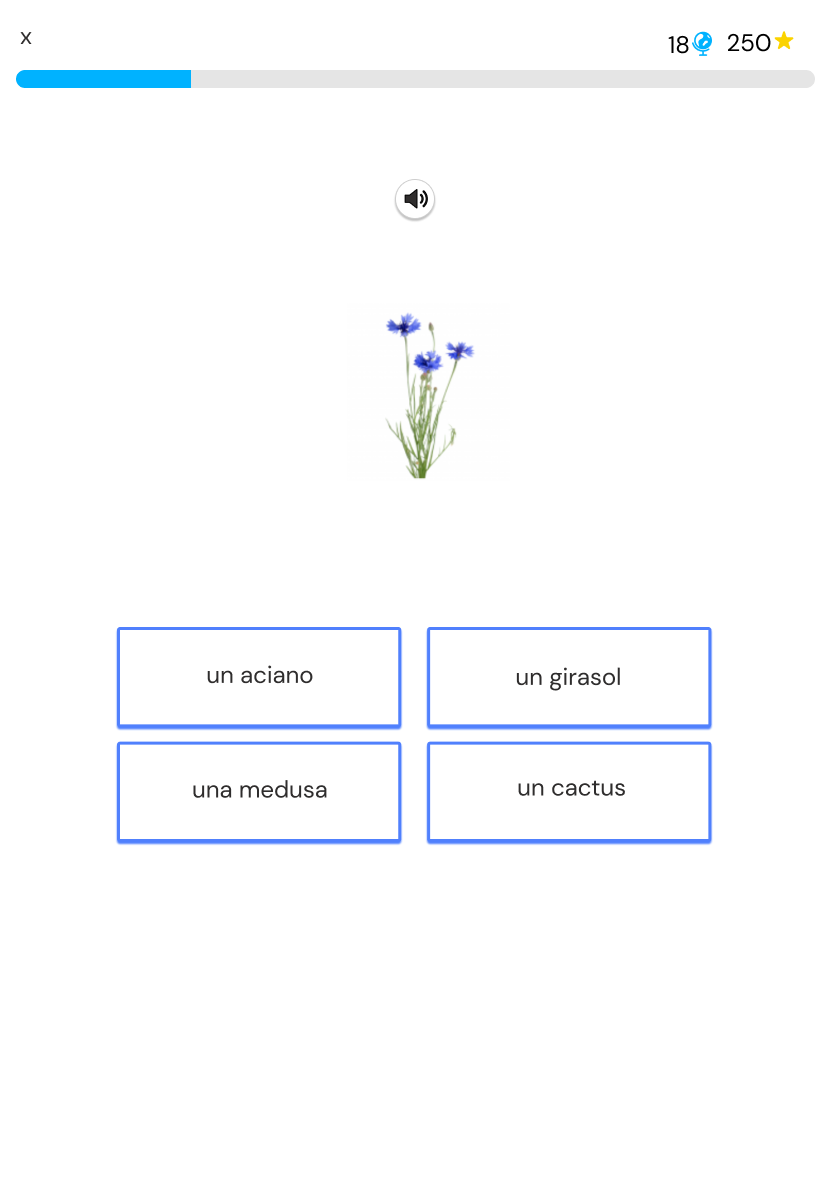
Vocabulary practice game mode screen
05Teacher Experience

Built for teachers

Empowering teachers to create, assign, and track learning with ease.

Expanded word selection panel for building a vocabulary list

Create lists

Select words from categories and build reusable vocabulary lists.

Quick start

Move words into the activity panel so lessons can begin faster.

Flexible practice

Support class use, individual practice, and repeated review.

06System & Design

A cohesive visual system

Created a clear, playful, and accessible system that supports learning at every touchpoint.

Typography and spacing system

Typography and spacing

Vocalex color palette

Color palette

Vocalex button styles

Actions and buttons

Word card component states

Word card states

Next: Interactive Geometry Learning →