Option A
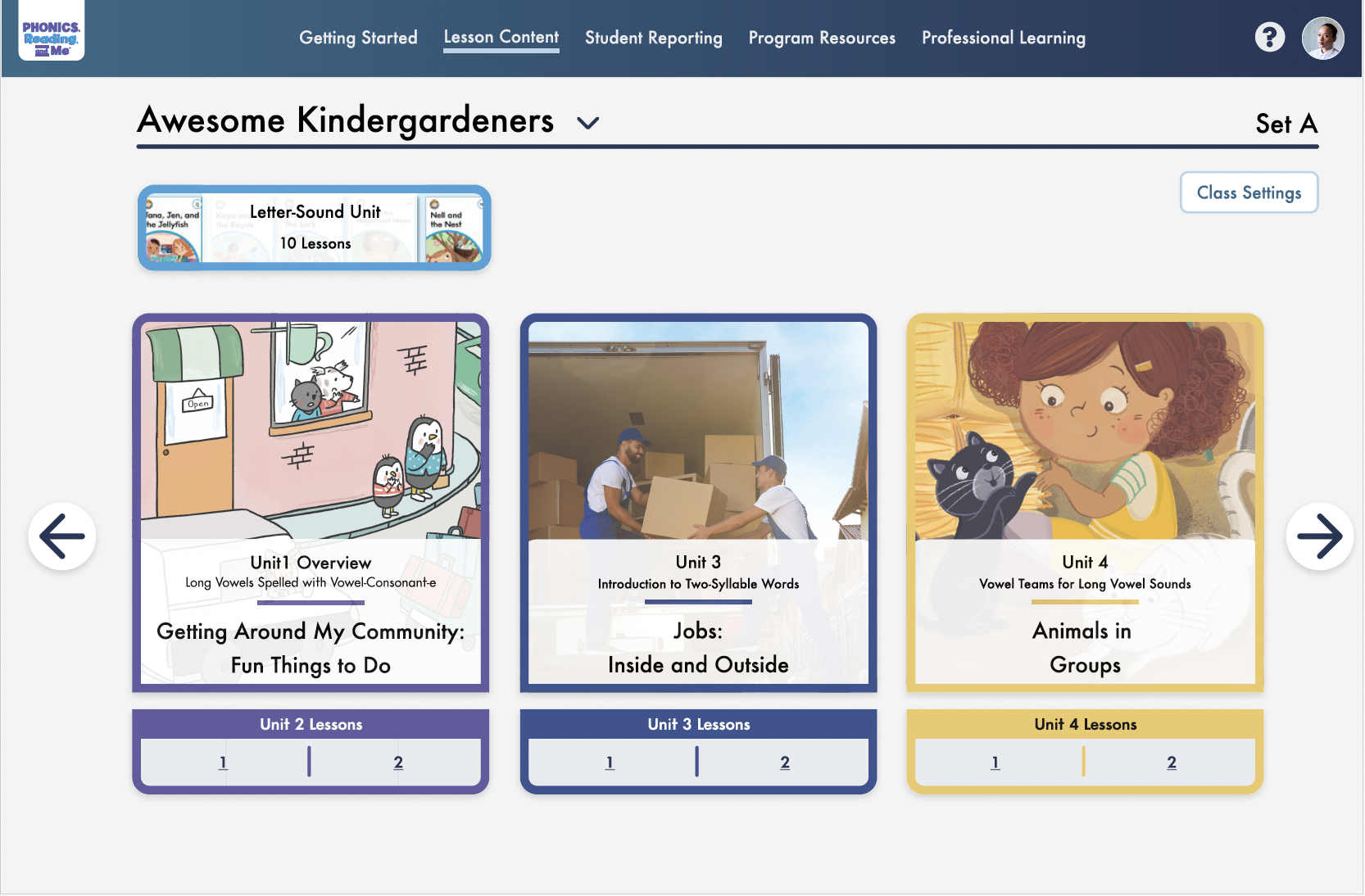
Unit card
Fits the existing card pattern, but lessons aren’t directly accessible.
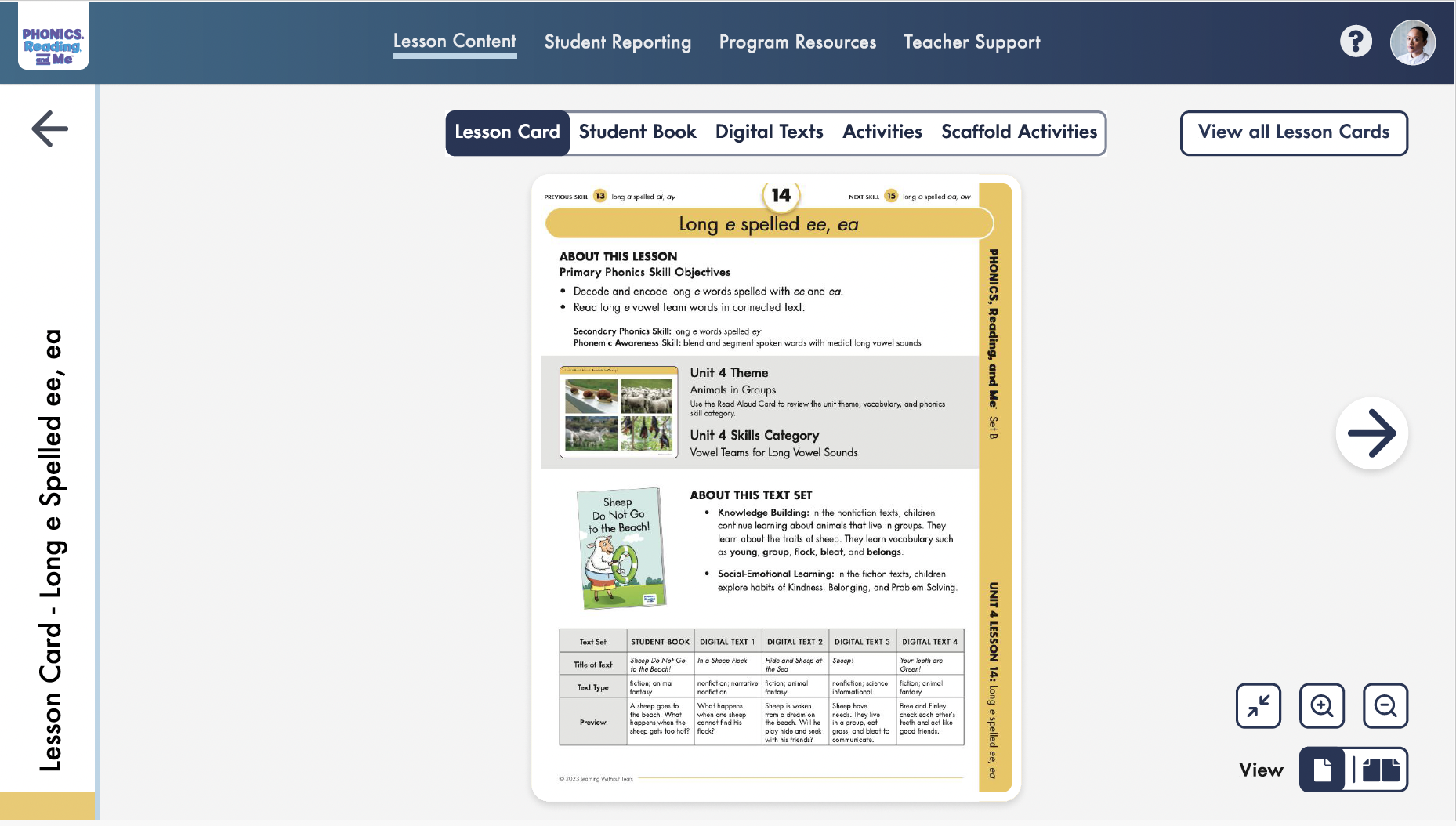
A digital teacher edition built for accompanying student reading lessons. With a growing library of multimedia content and student resources.

Wireframes for moving between units, lessons, and global sections.
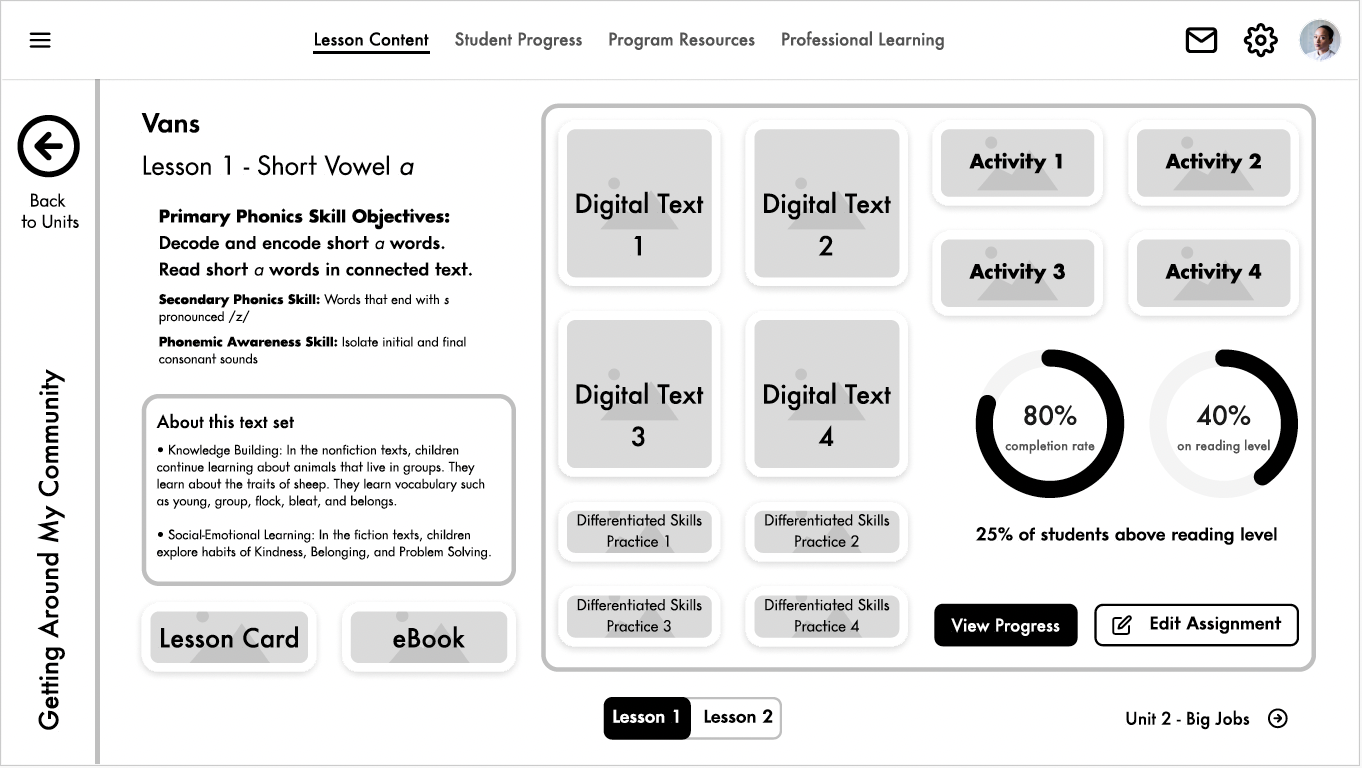
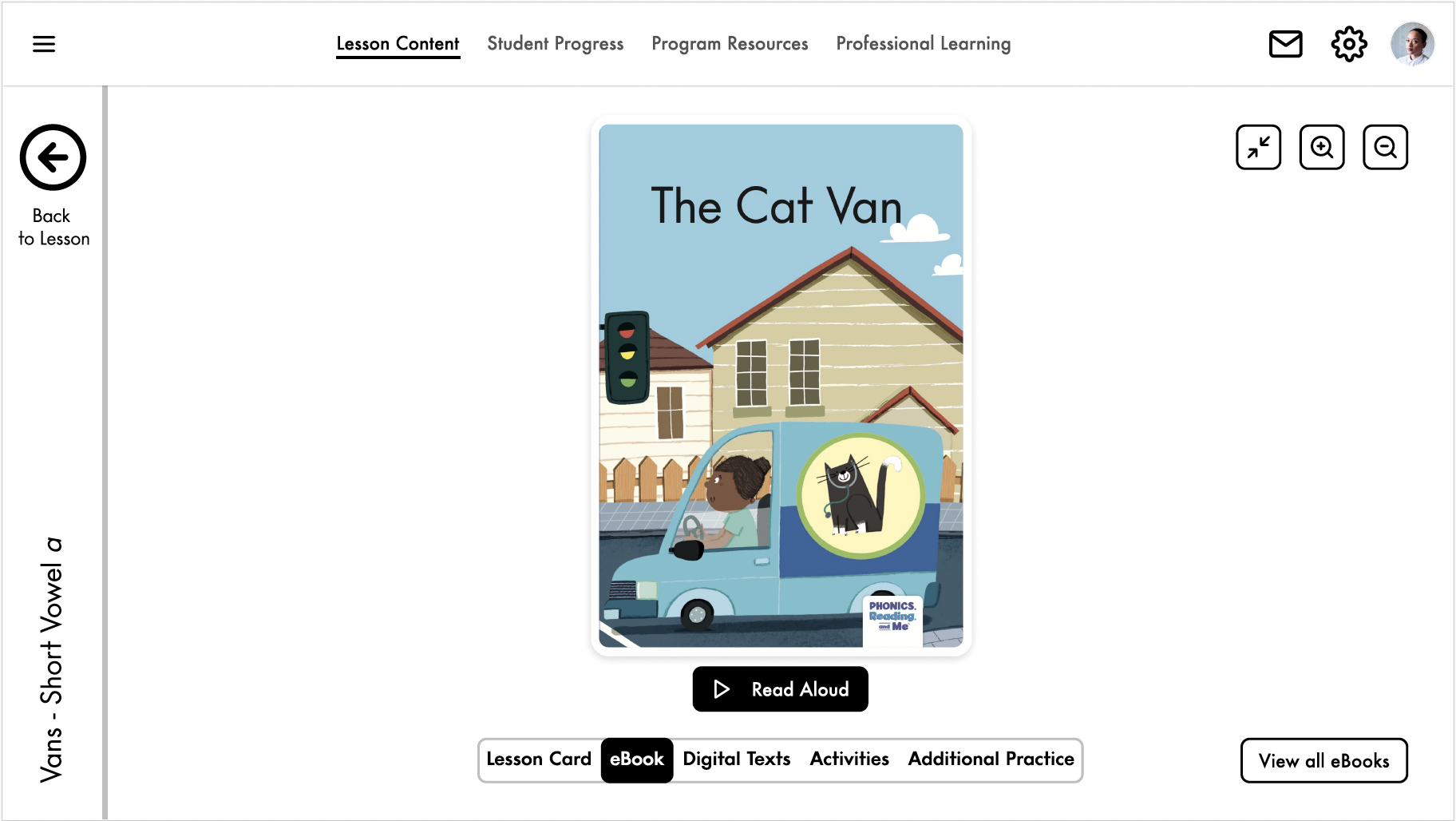
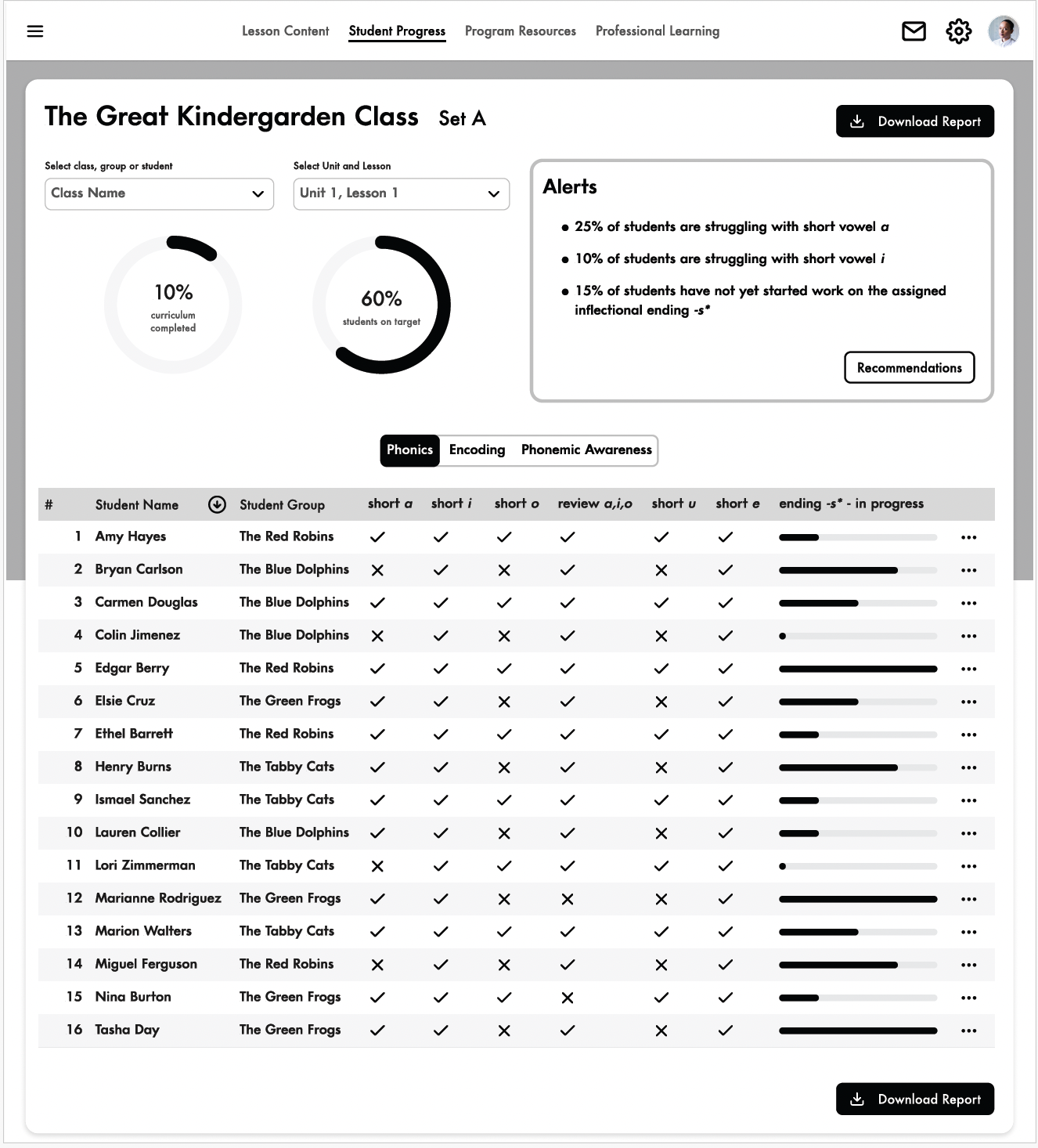
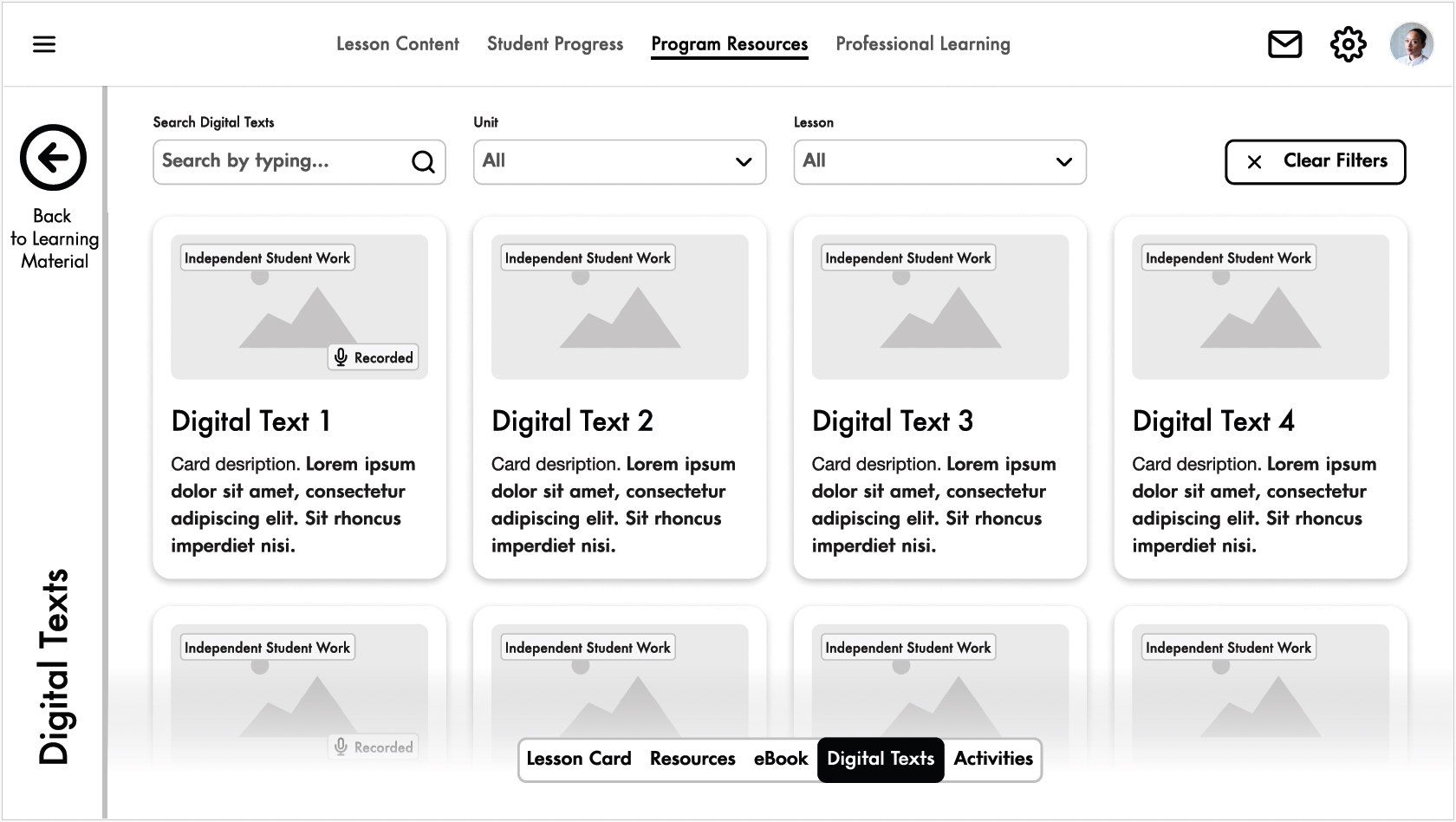
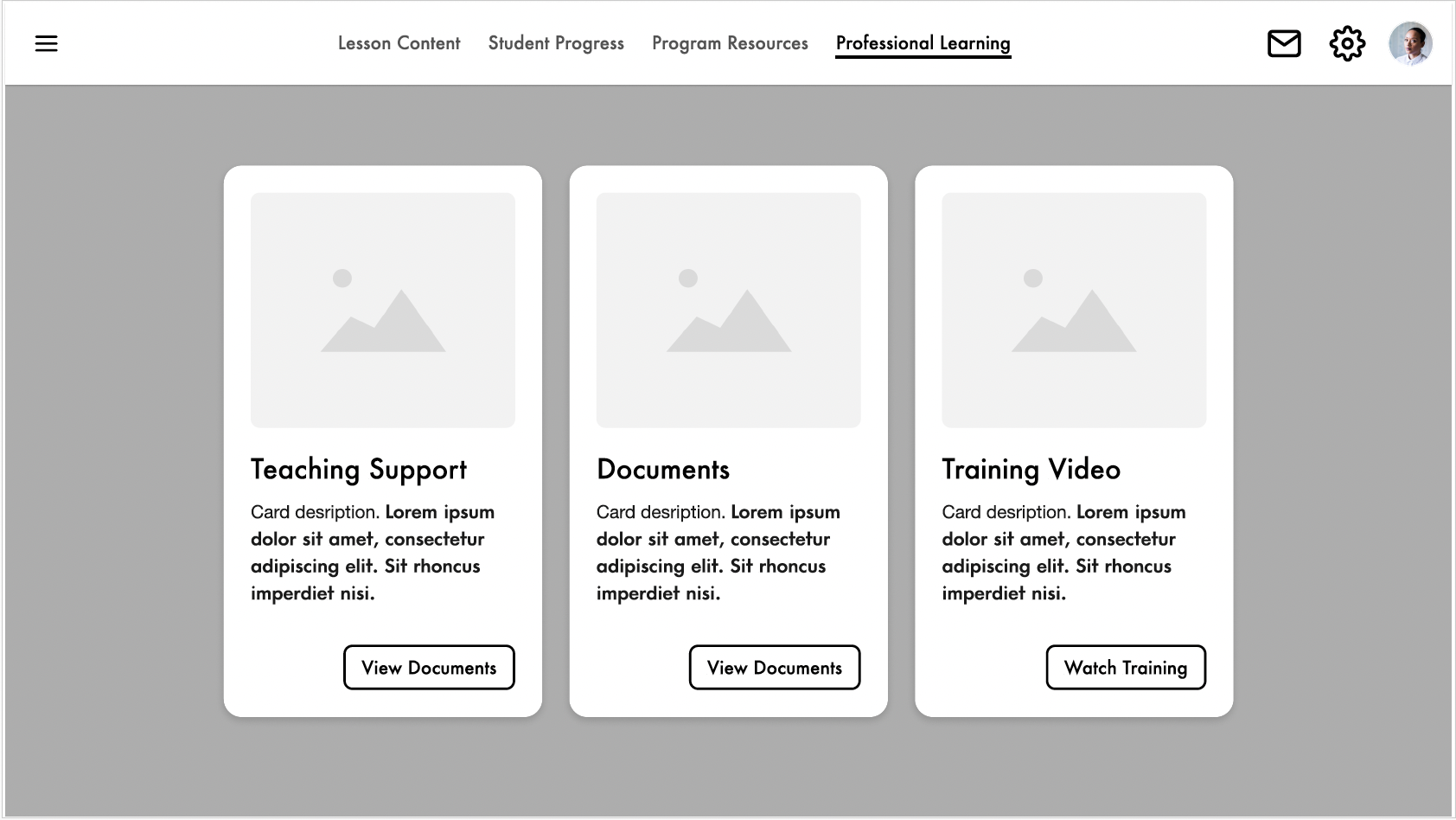
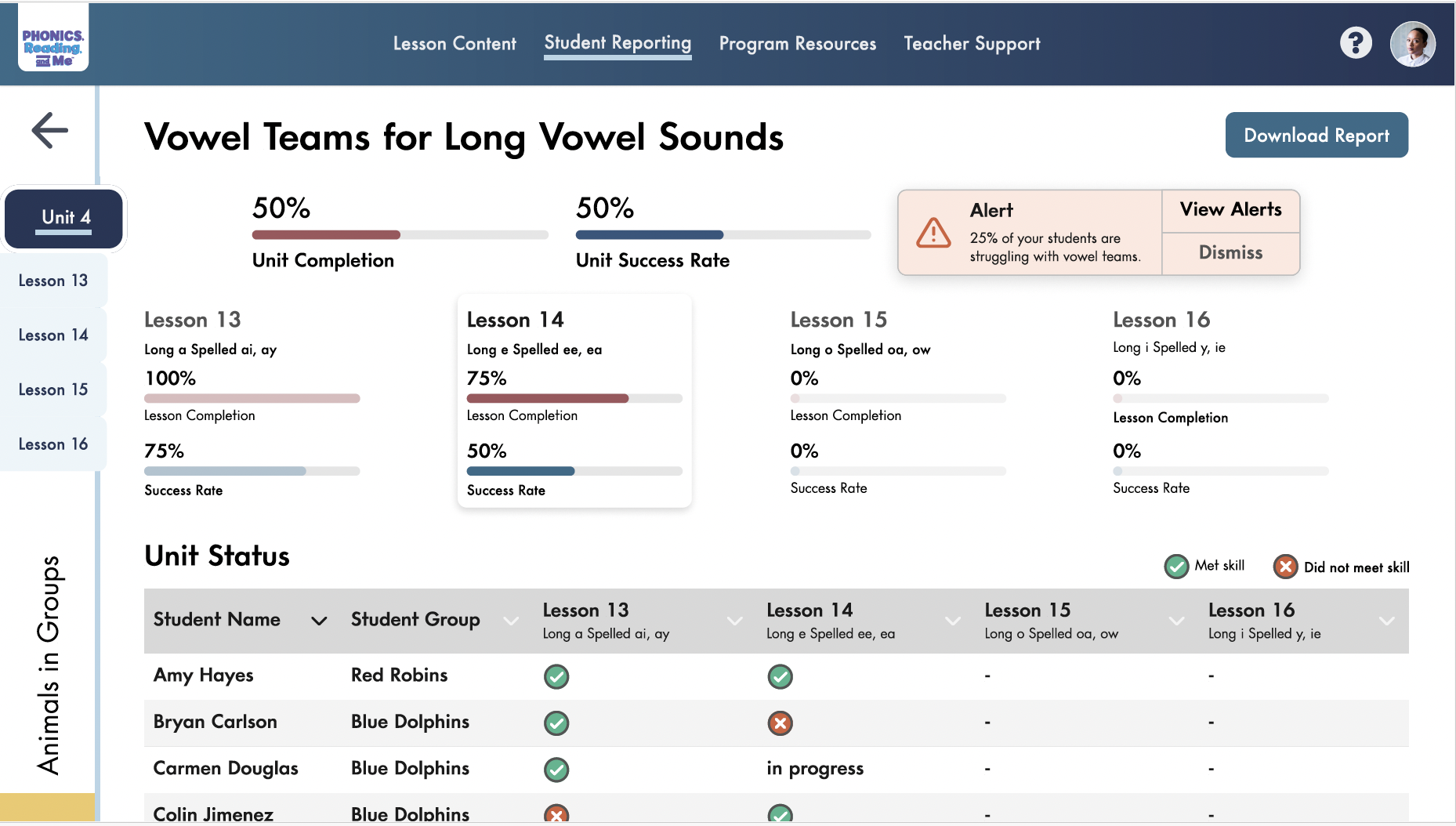
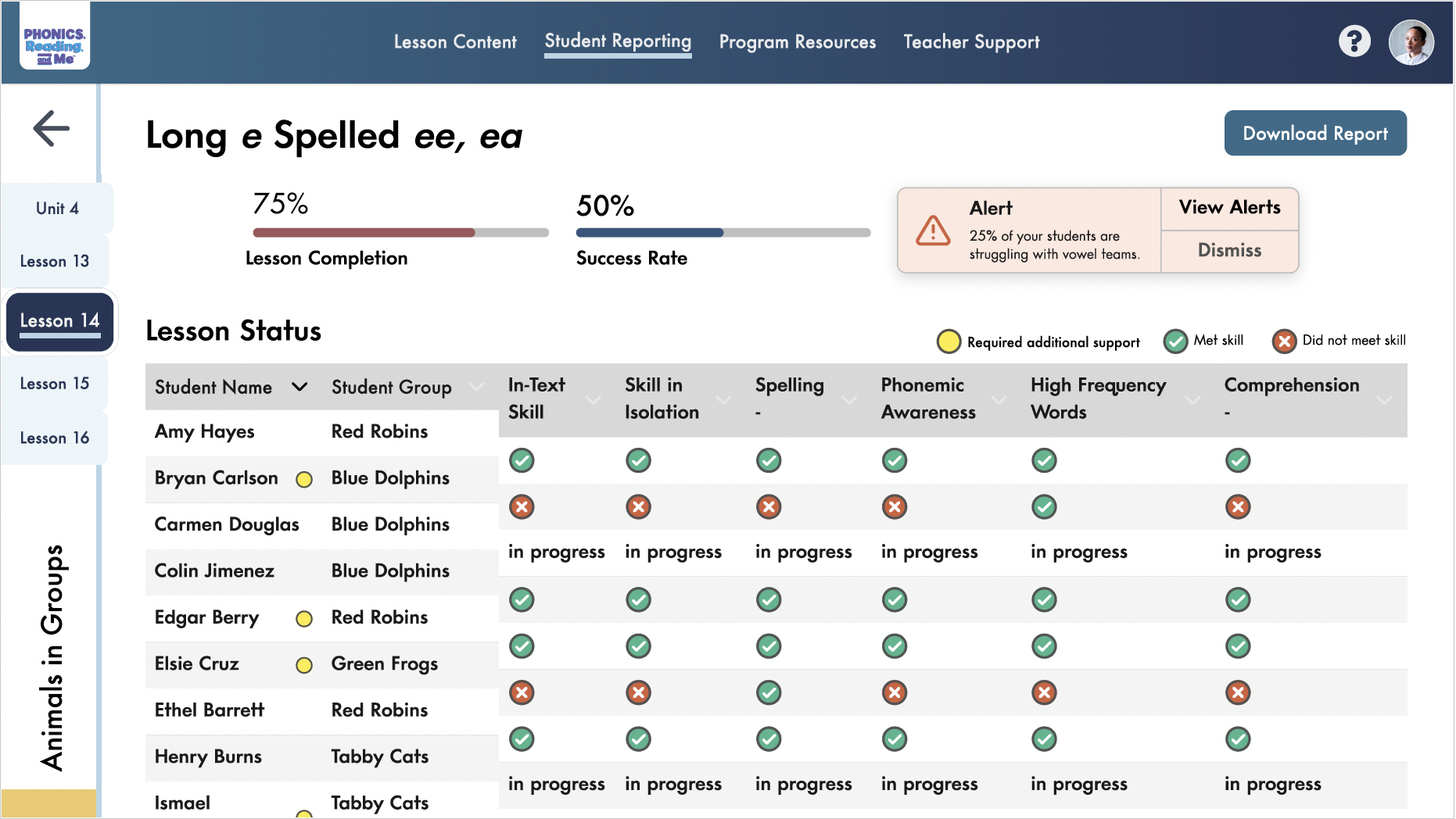
Student Progress is global, while unit and lesson navigation is local.
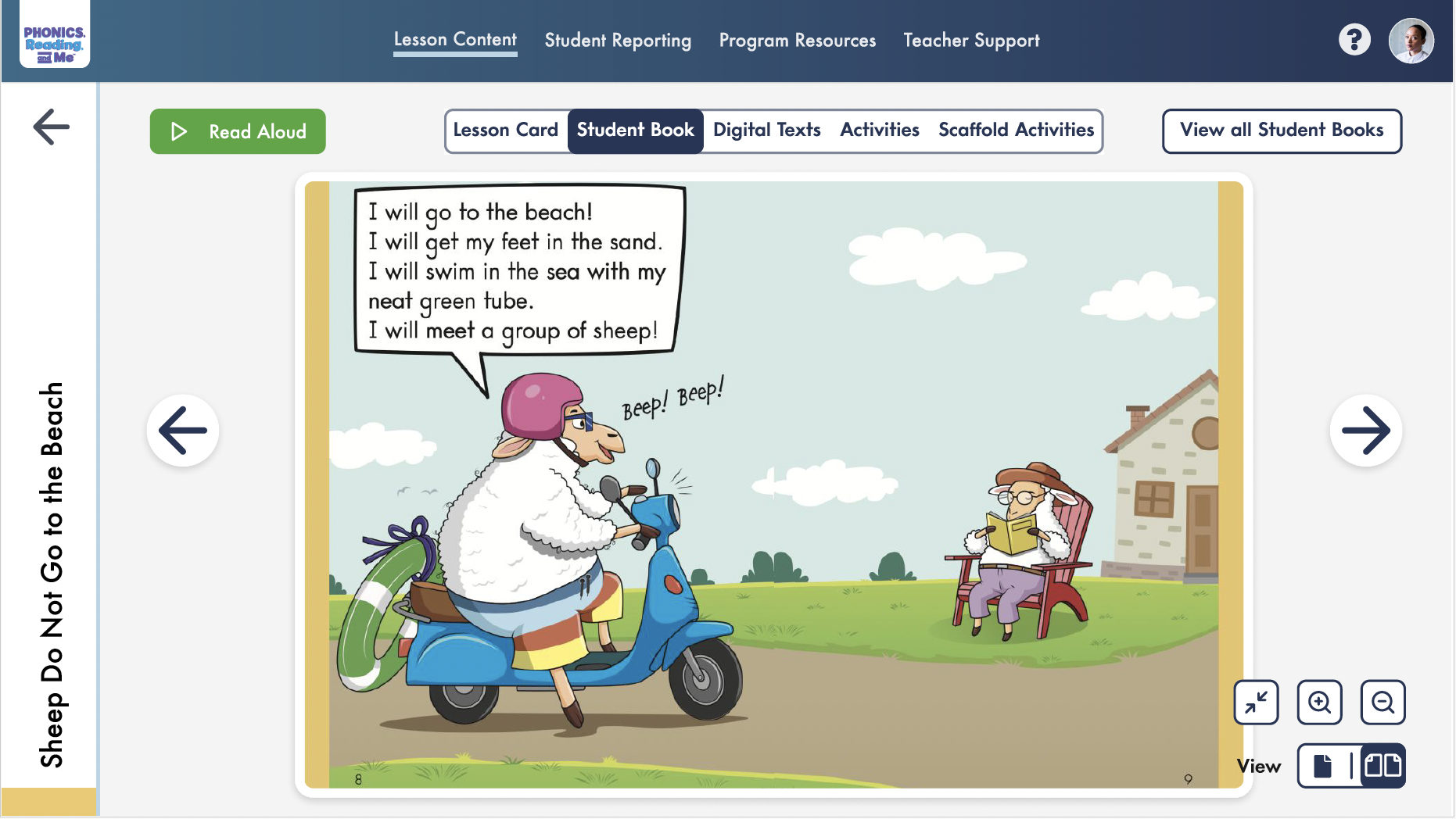
Final screens for lesson content, digital tools, student progress, and resources.
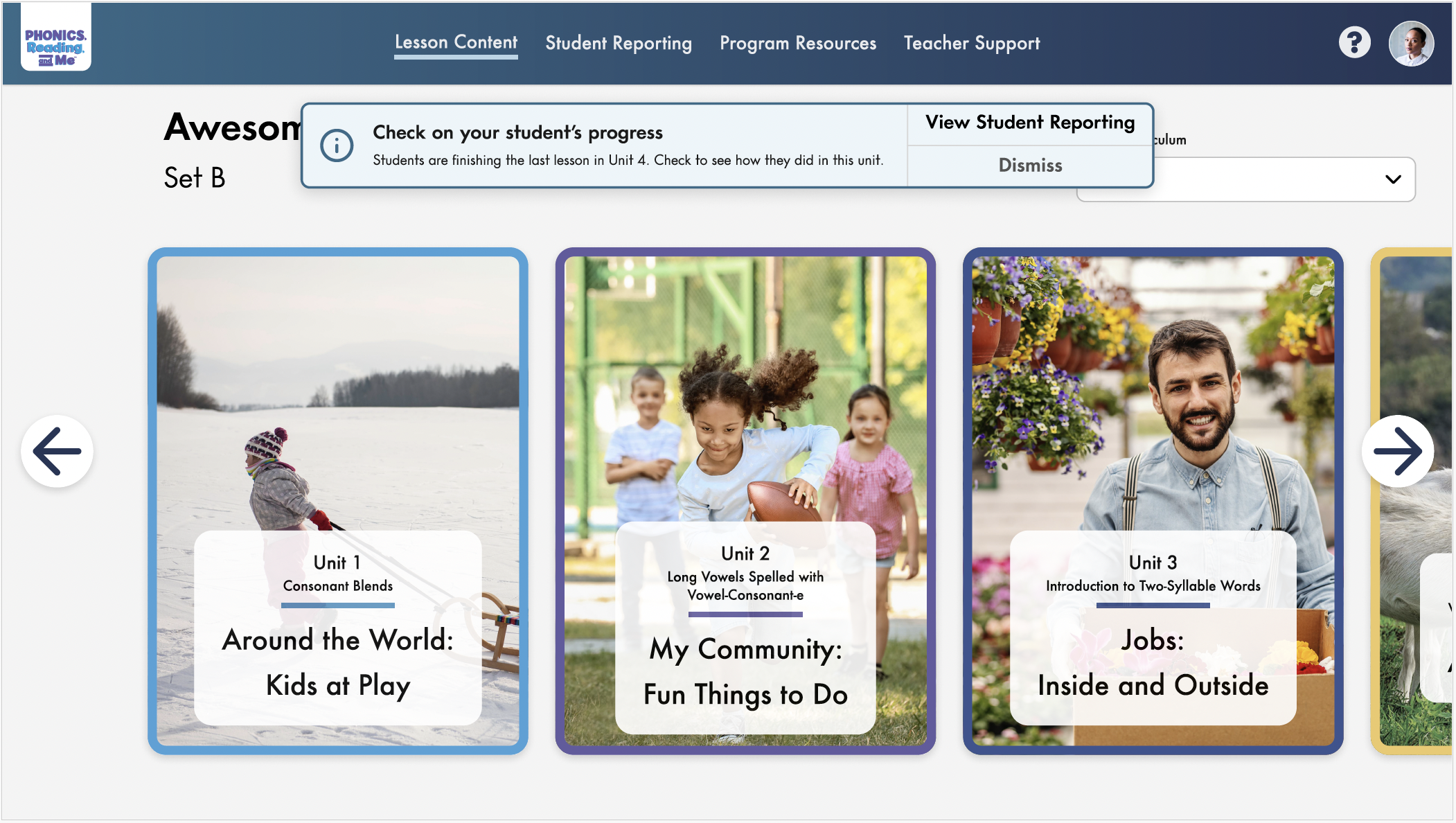
A new Grade K unit had 10 lessons and only PDFs, unlike the existing units. I explored how to add it without breaking the existing layout.
The main tradeoffs were lesson access, consistency, and making the unit feel distinct.
Fits the existing card pattern, but lessons aren’t directly accessible.
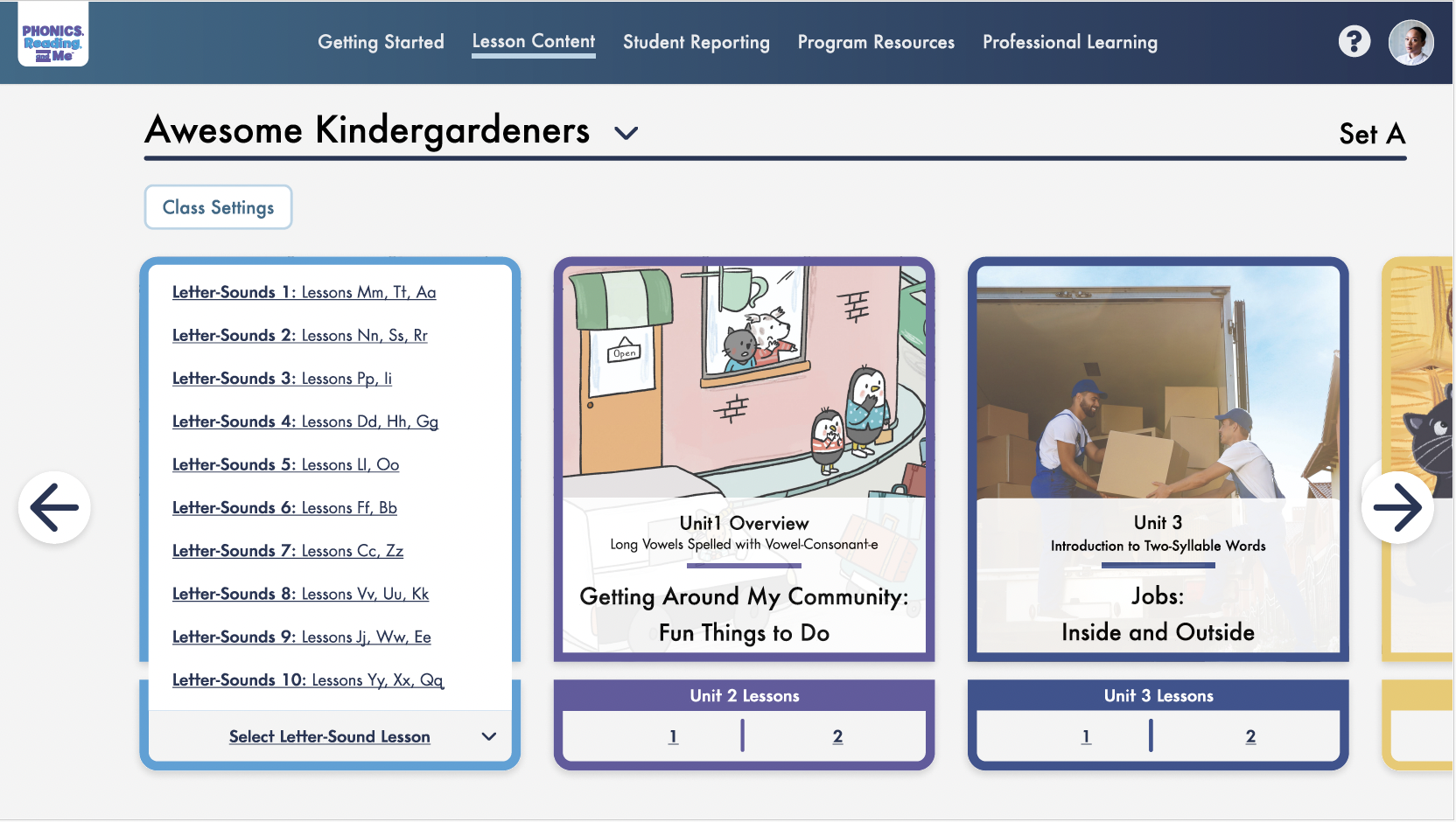
Makes lessons accessible, but breaks the existing visual pattern.
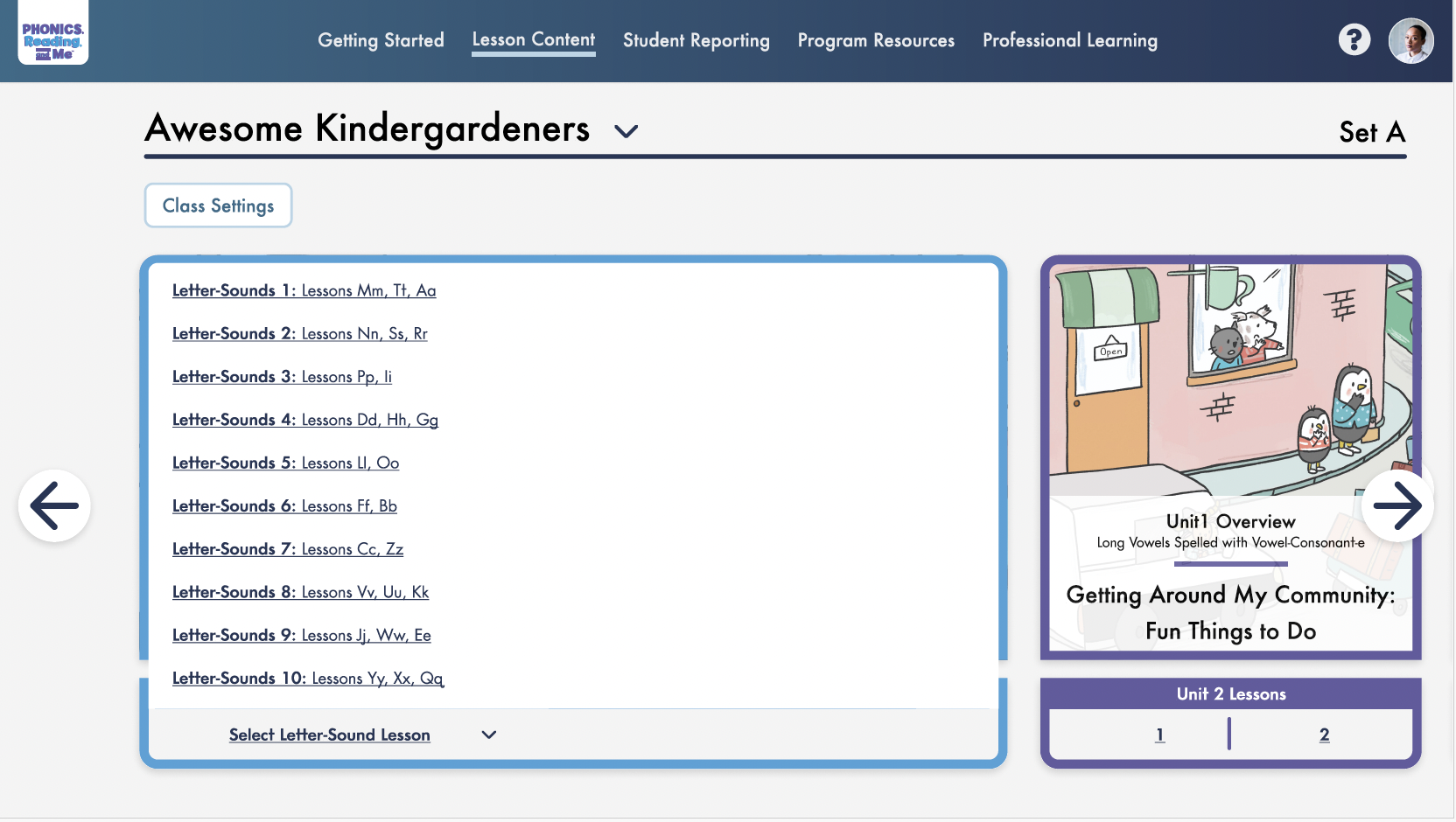
Keeps every lesson visible, but takes up too much space.
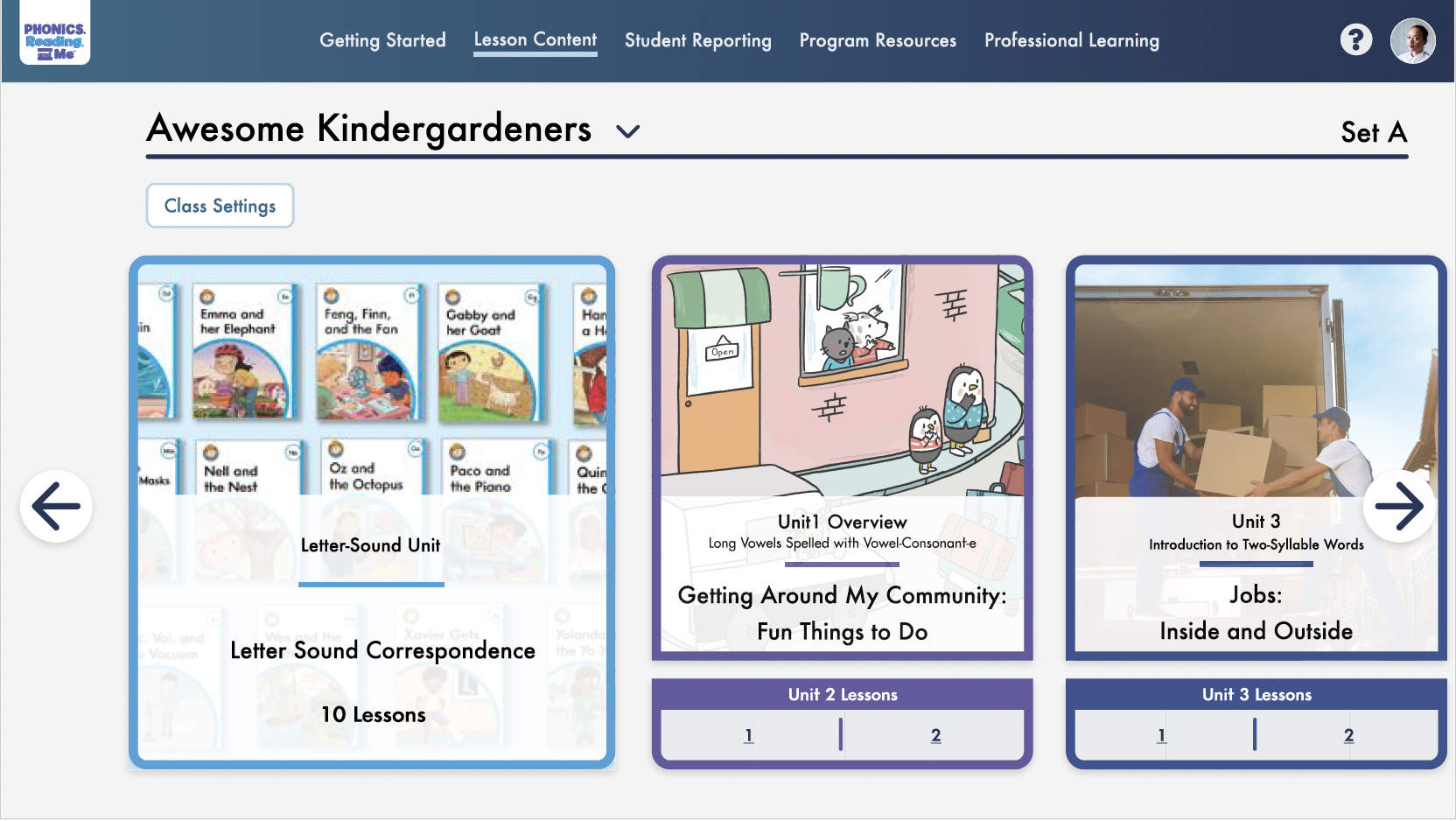
Shows that this unit is larger, but lessons still aren’t directly accessible.
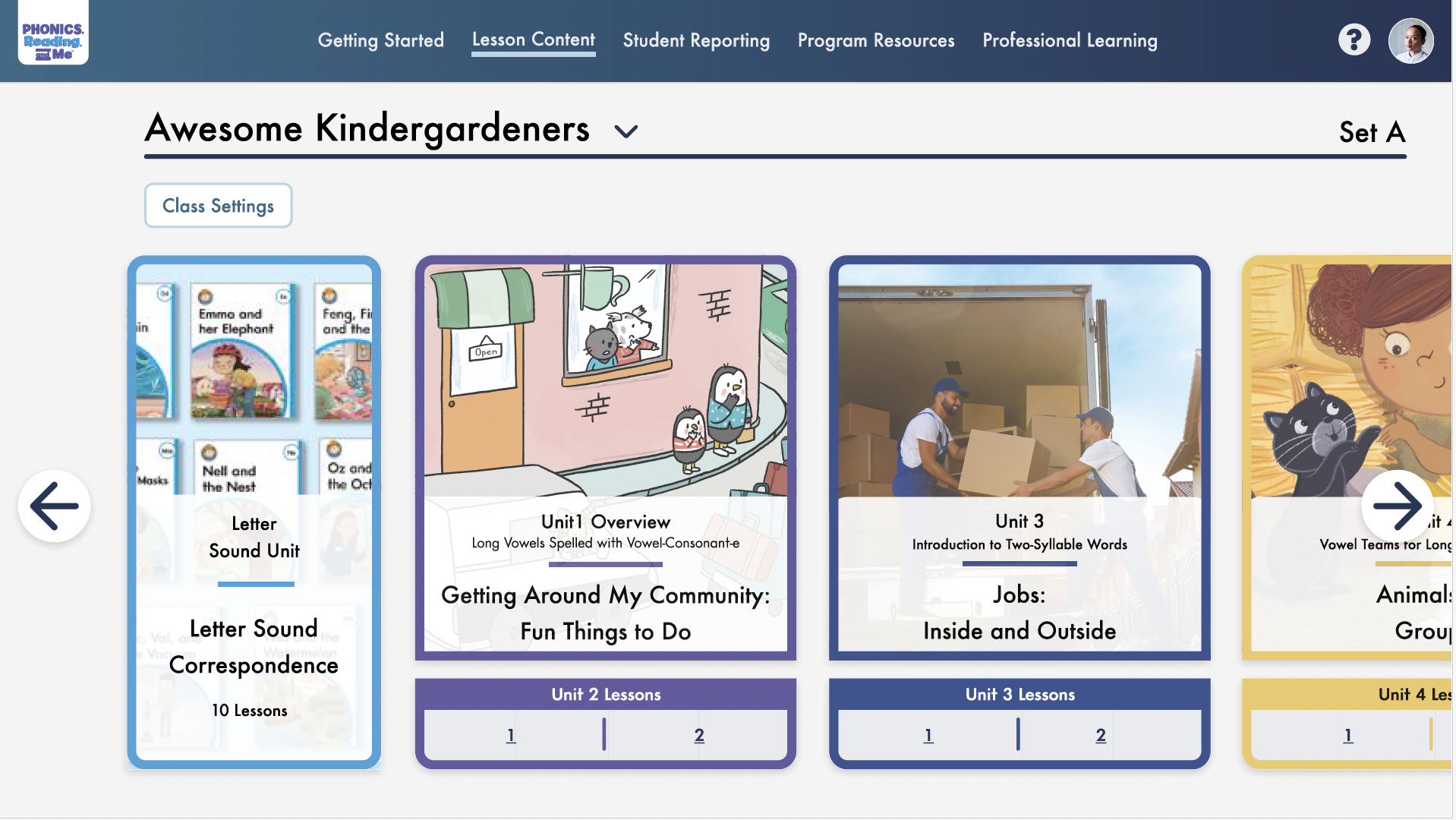
Uses less space, but feels too similar to the other units.
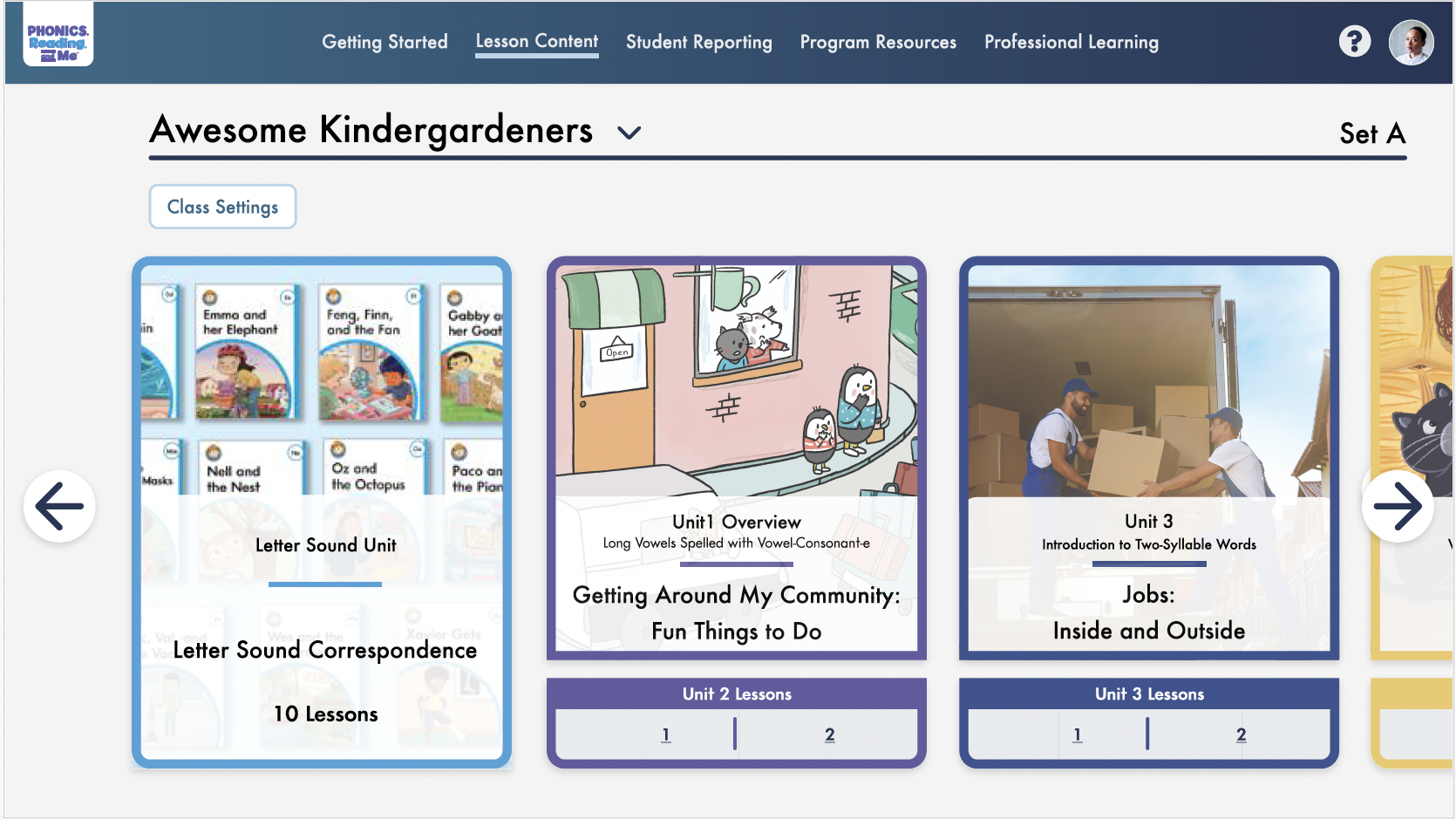
Fits the other cards, but doesn’t show that this unit is different.
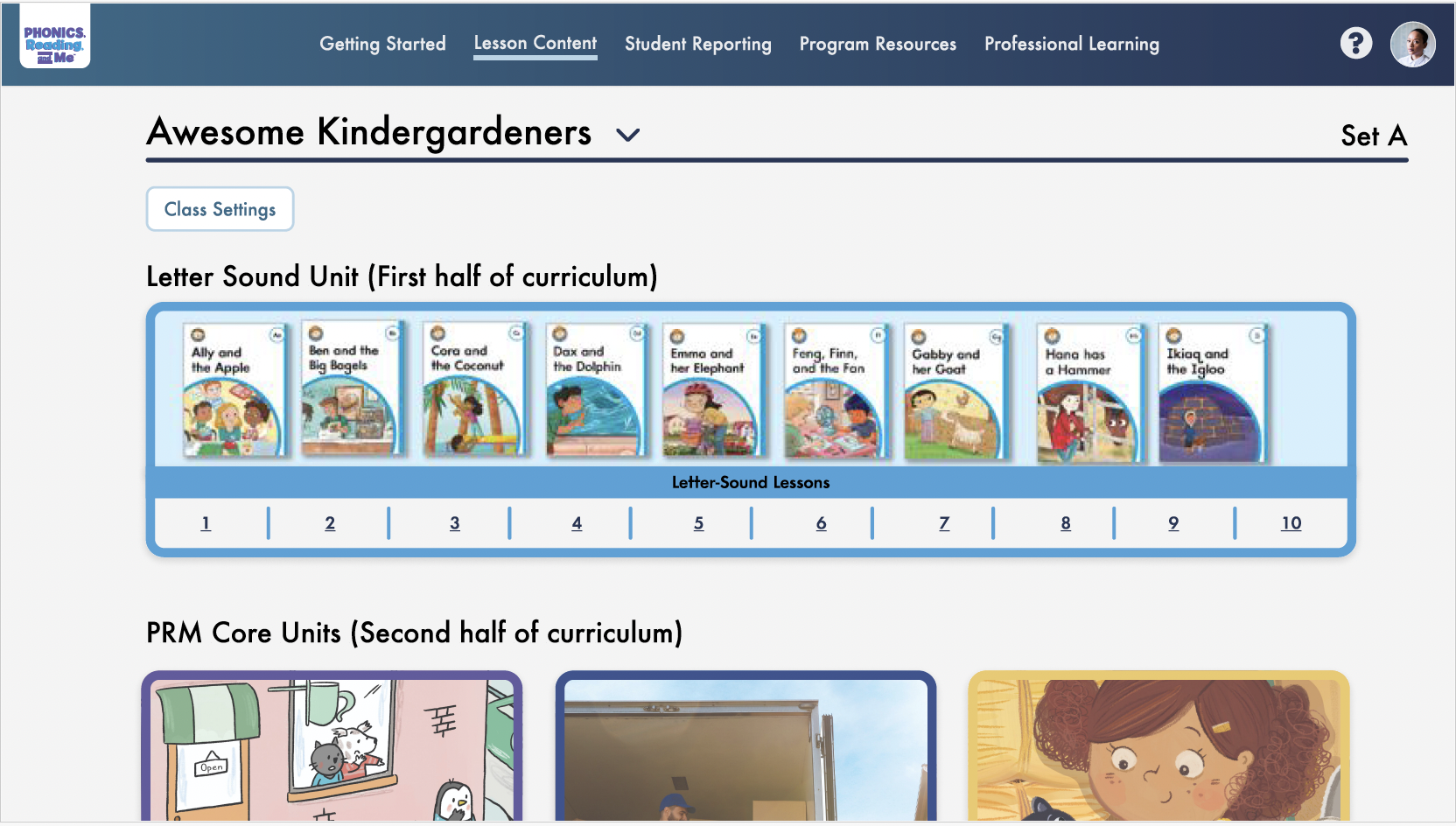
Separates the Letter-Sound unit from the rest of the curriculum.
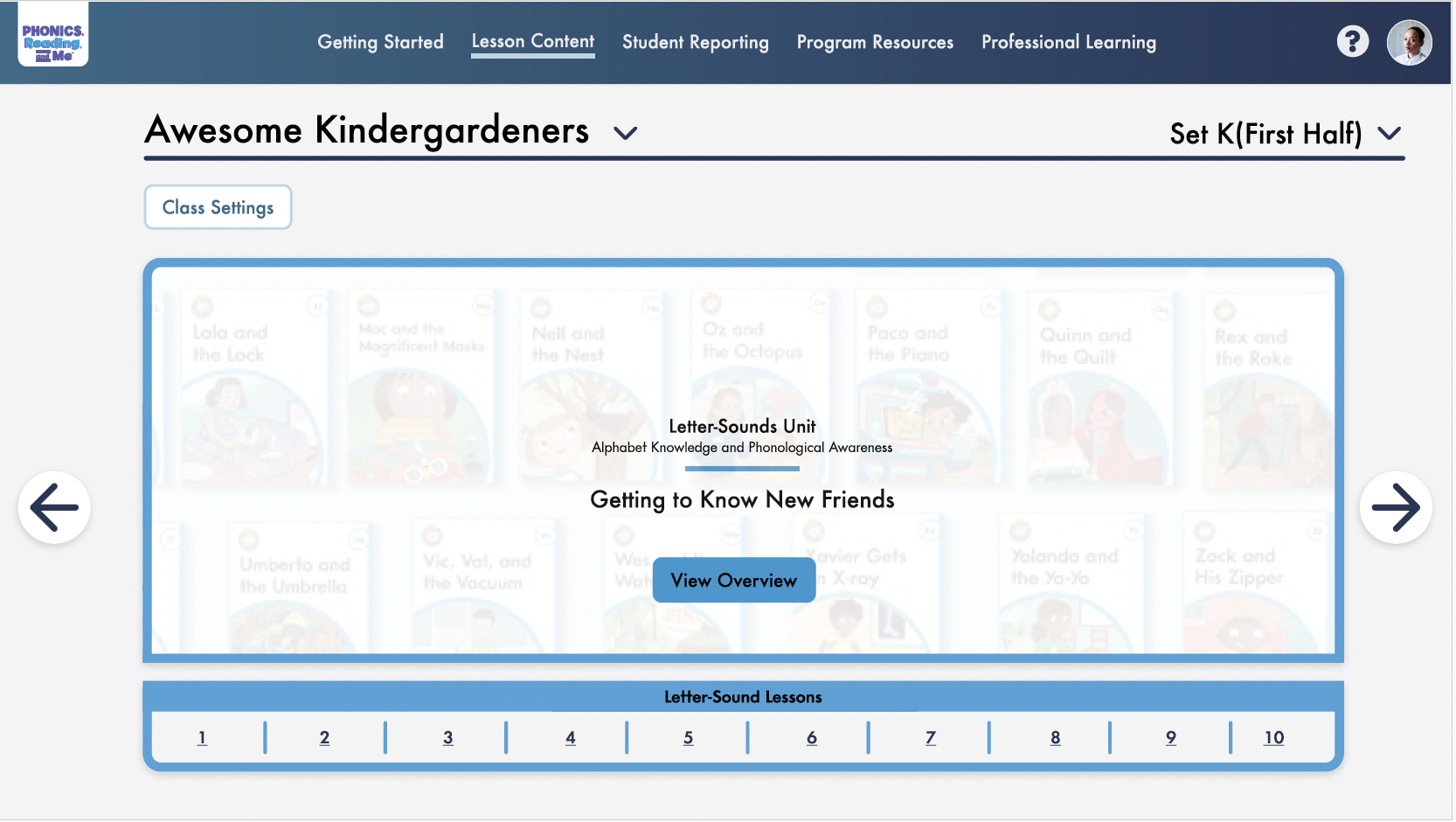
Another way to distinguish the unit within the existing layout.
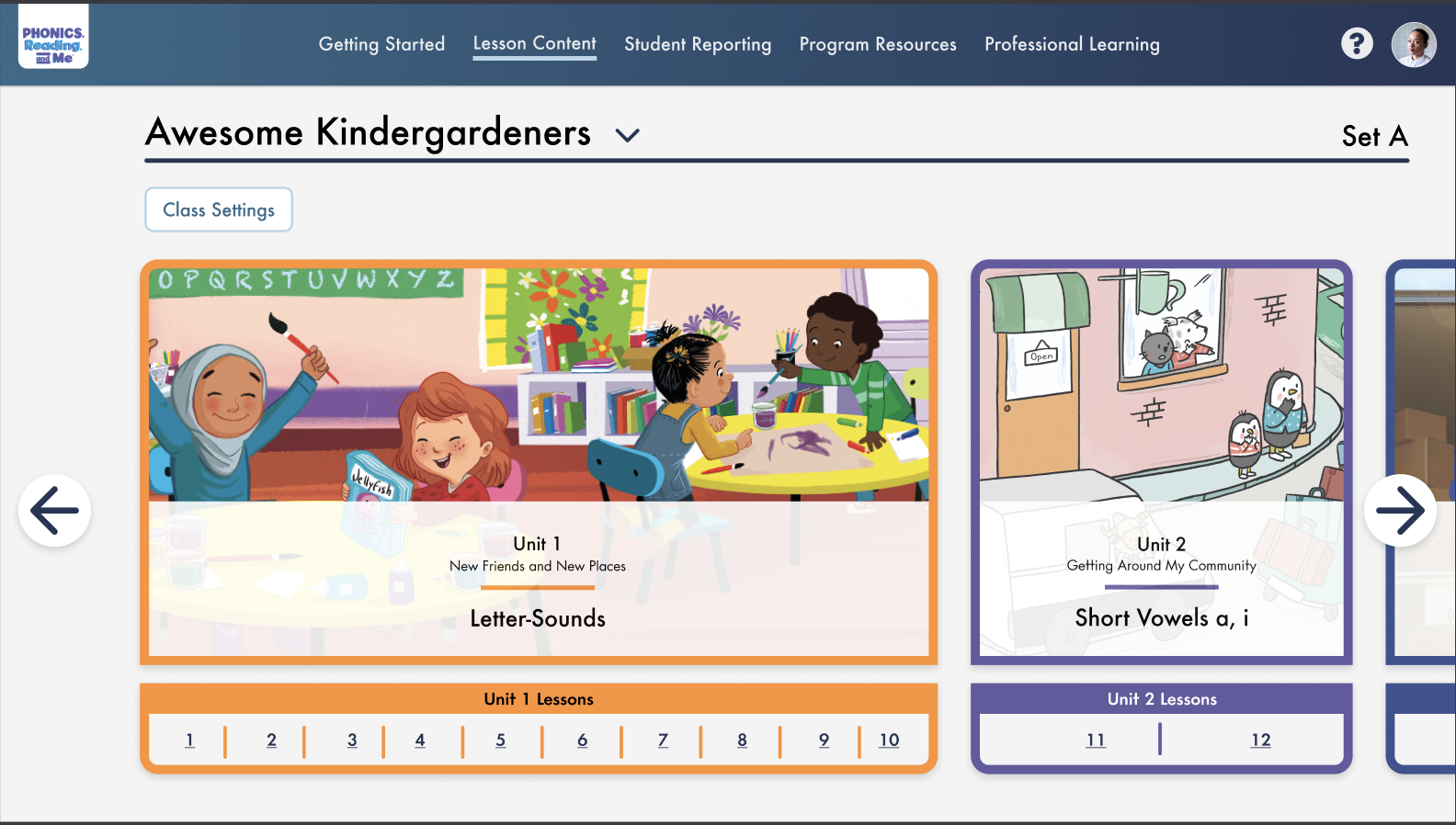
Keeps the unit distinct while staying within the existing card system.