Interactive Geometry Learning
Interactive math and geometry experiences for K–8 students, from reusable learning templates to classroom-tested shape explorations.
Interactive math and geometry experiences for K–8 students.
My Role
Product Designer — Designed reusable K–8 learning templates from concept through implementation, partnering with curriculum experts to align with learning goals.
Key Outcomes
Millions of student users
Reusable K–8 template library
AERA research contribution
Common Core aligned
Tags
Interaction design
Student experience
Gamification
Adaptive learning
Geometry
Multi-Field Assessment
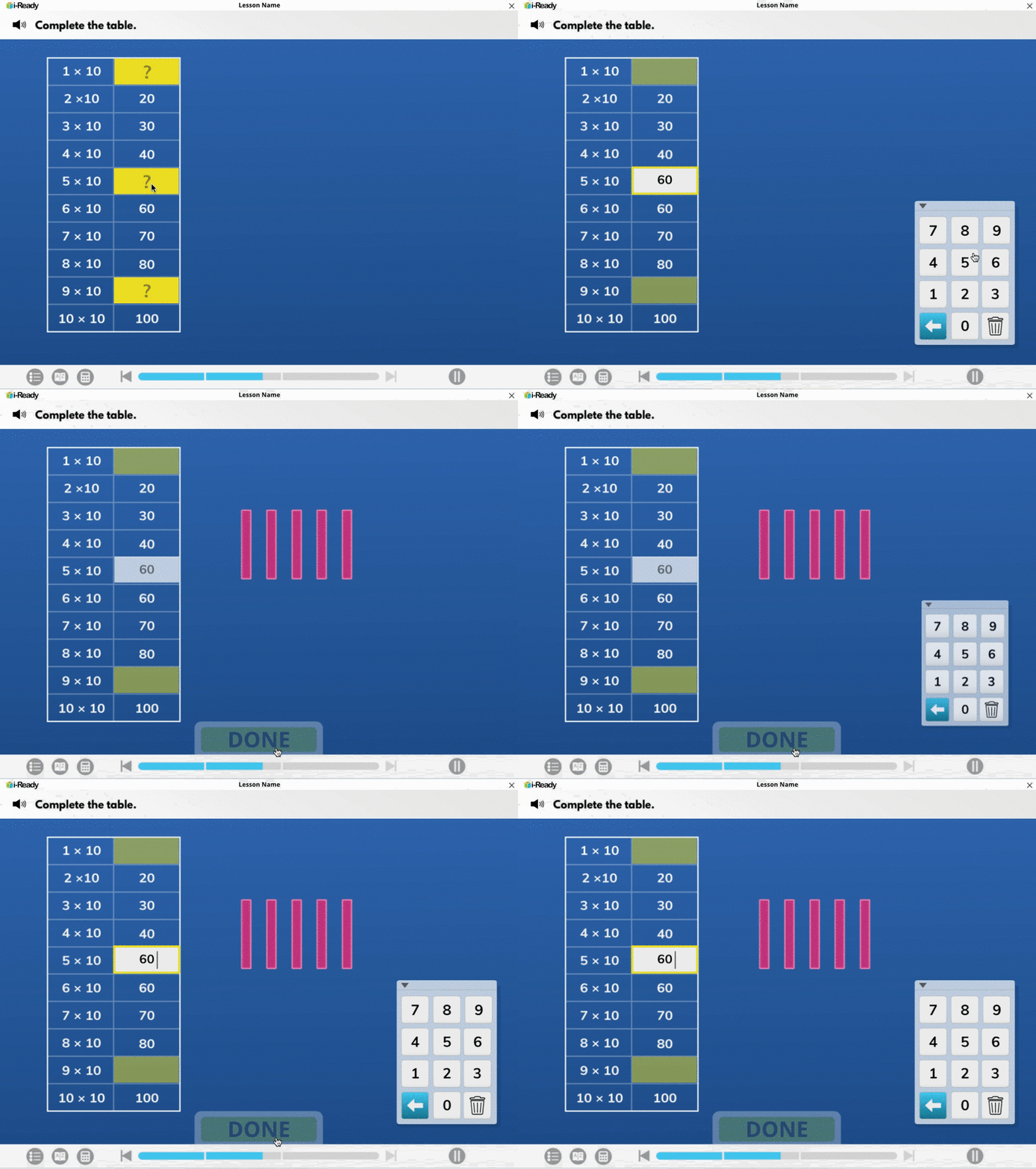
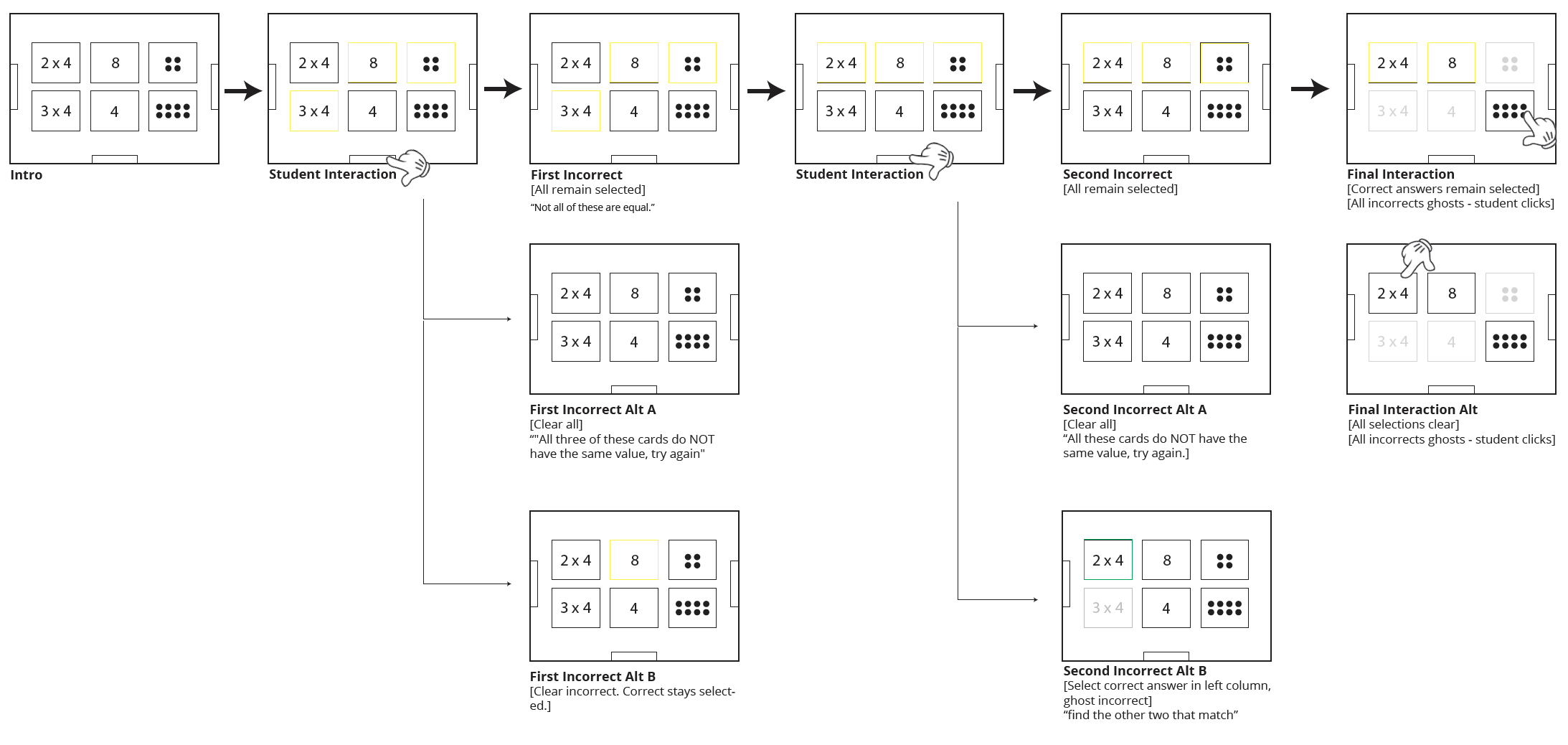
Interaction design for questions requiring multiple input fields, with carefully considered feedback states for incorrect answers. The goal: keep students on a productive path toward learning objectives.
Student Motivation Systems
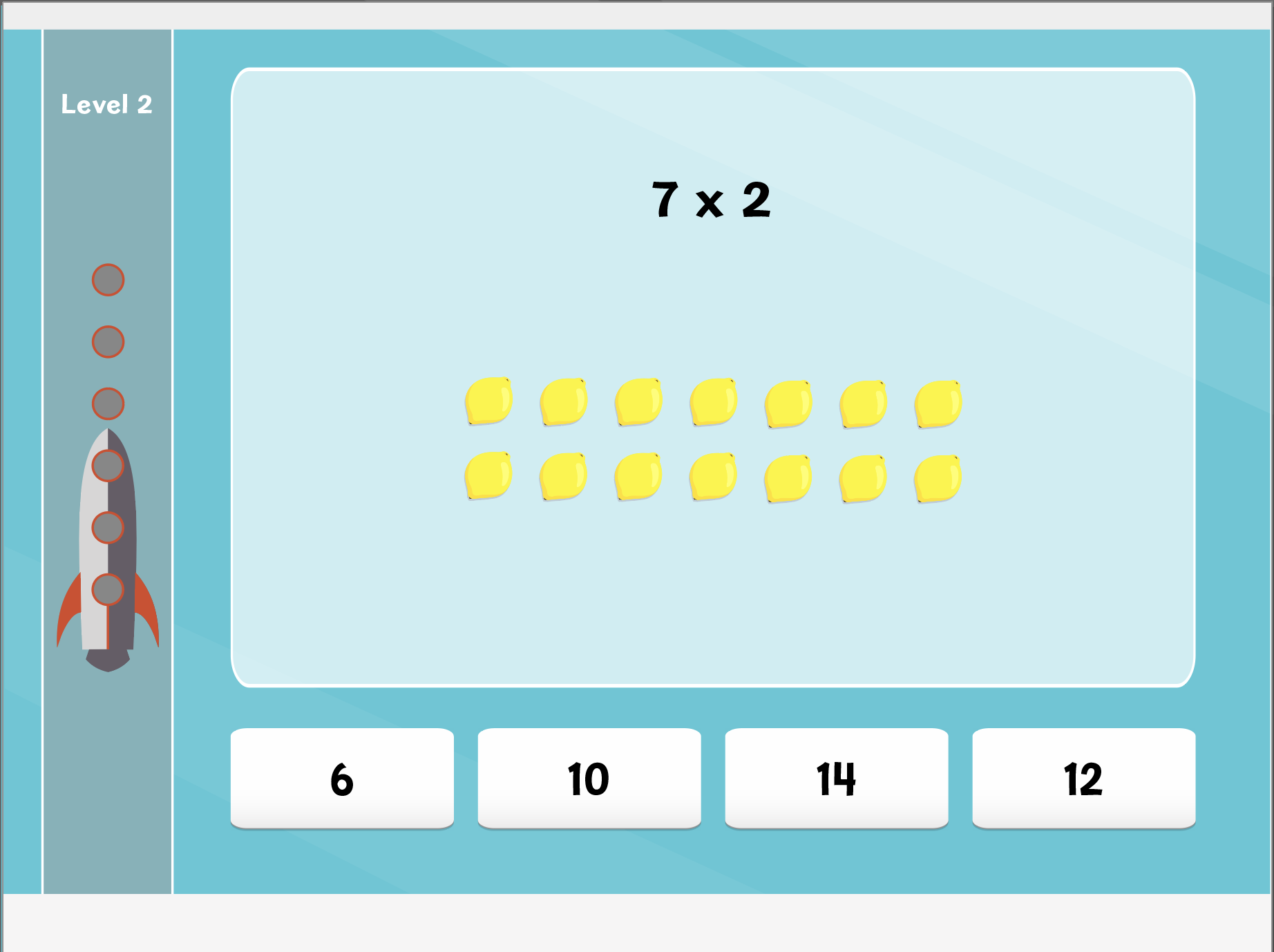
I prototyped multiple approaches to visualising student progress — streaks, leaderboards, badges — focused on sustaining genuine engagement. This work fed directly into a study on student feedback systems presented at the American Educational Research Association annual conference.
Progressive Elimination
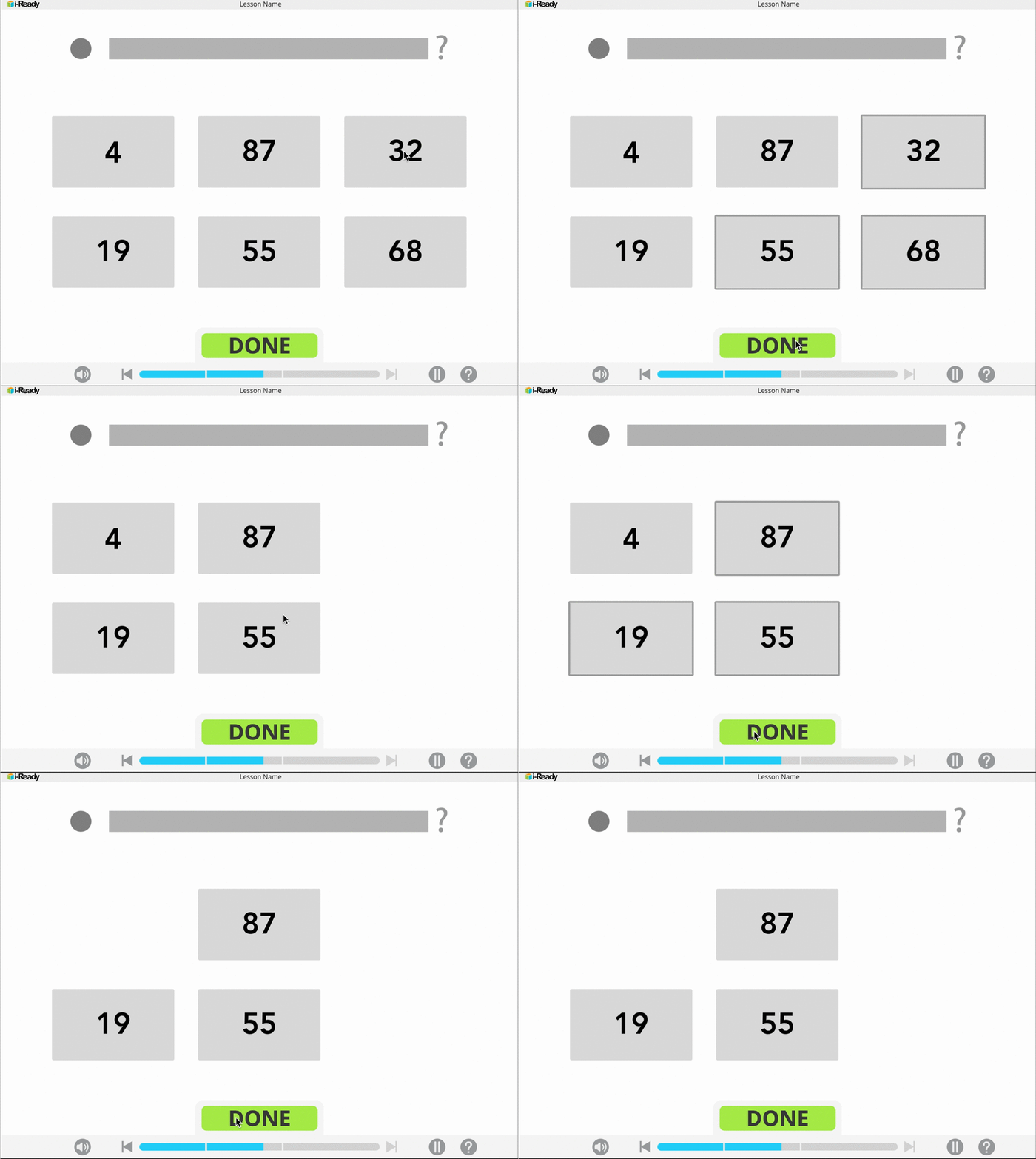
A template for questions with more than one correct answer: letting students eliminate wrong options across attempts rather than hitting a hard failure state.
Contextual Feedback
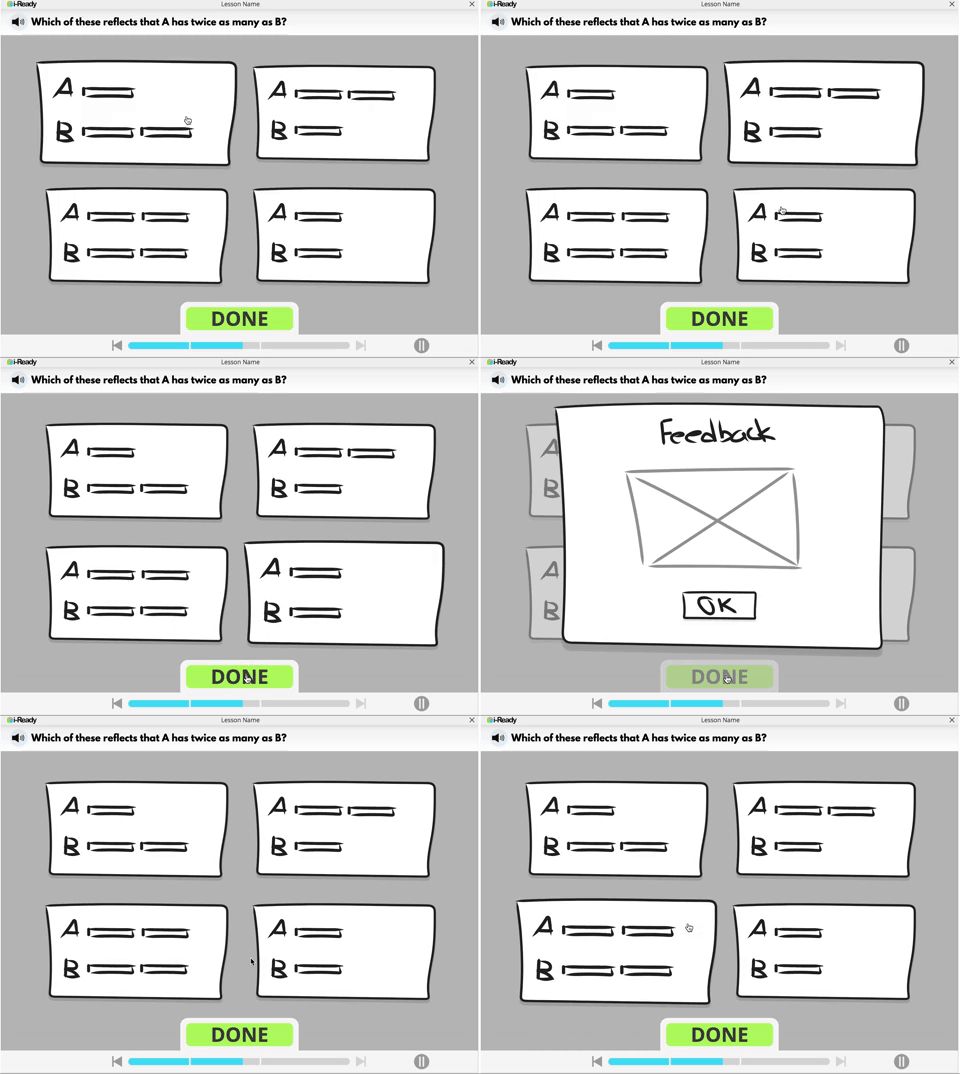
A dismissible feedback module with support tailored to the student's specific wrong answer.
Adaptive Learning Paths
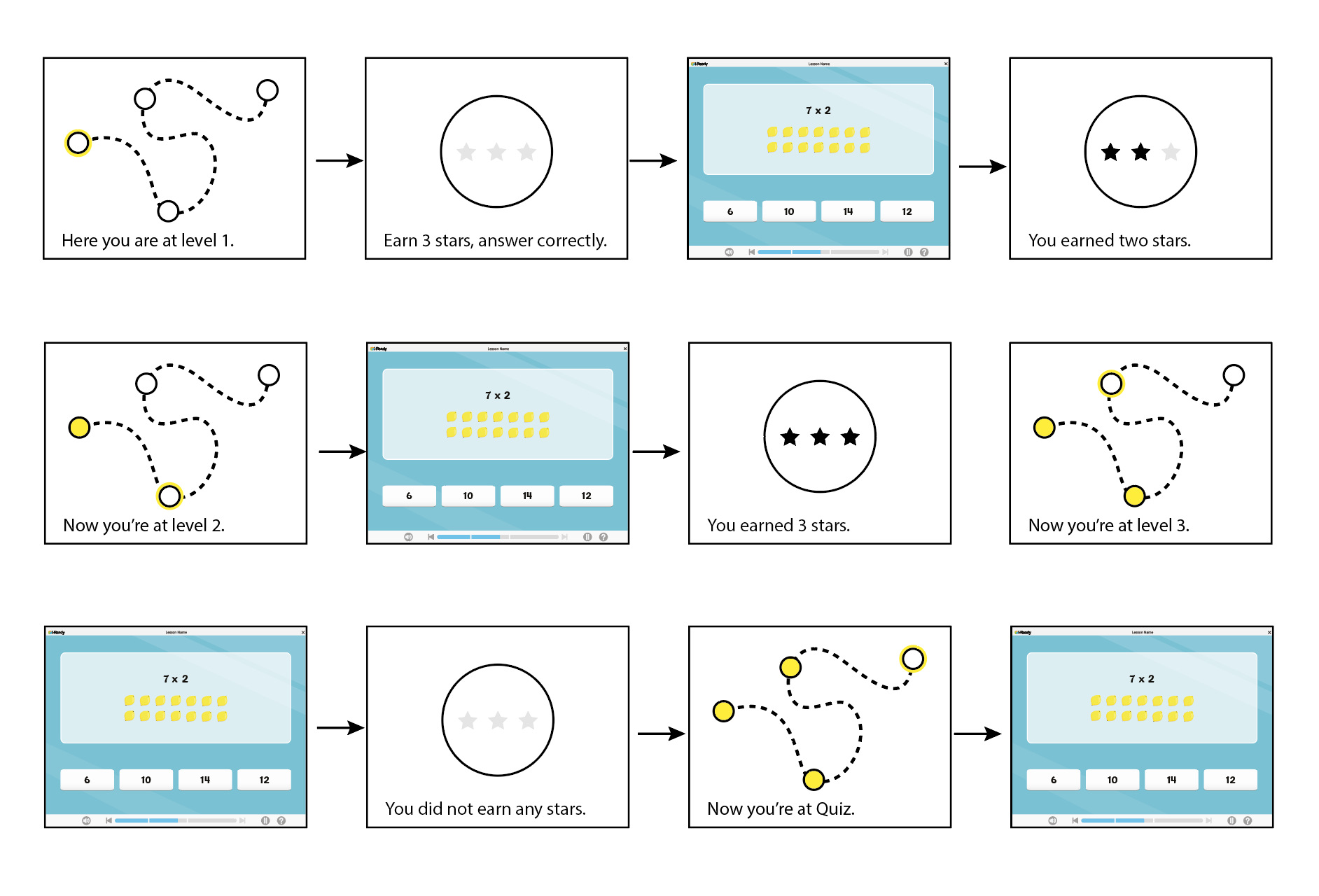
Branching paths that responded to how students answered: offering tailored feedback based on student input.
Interactive Protractor
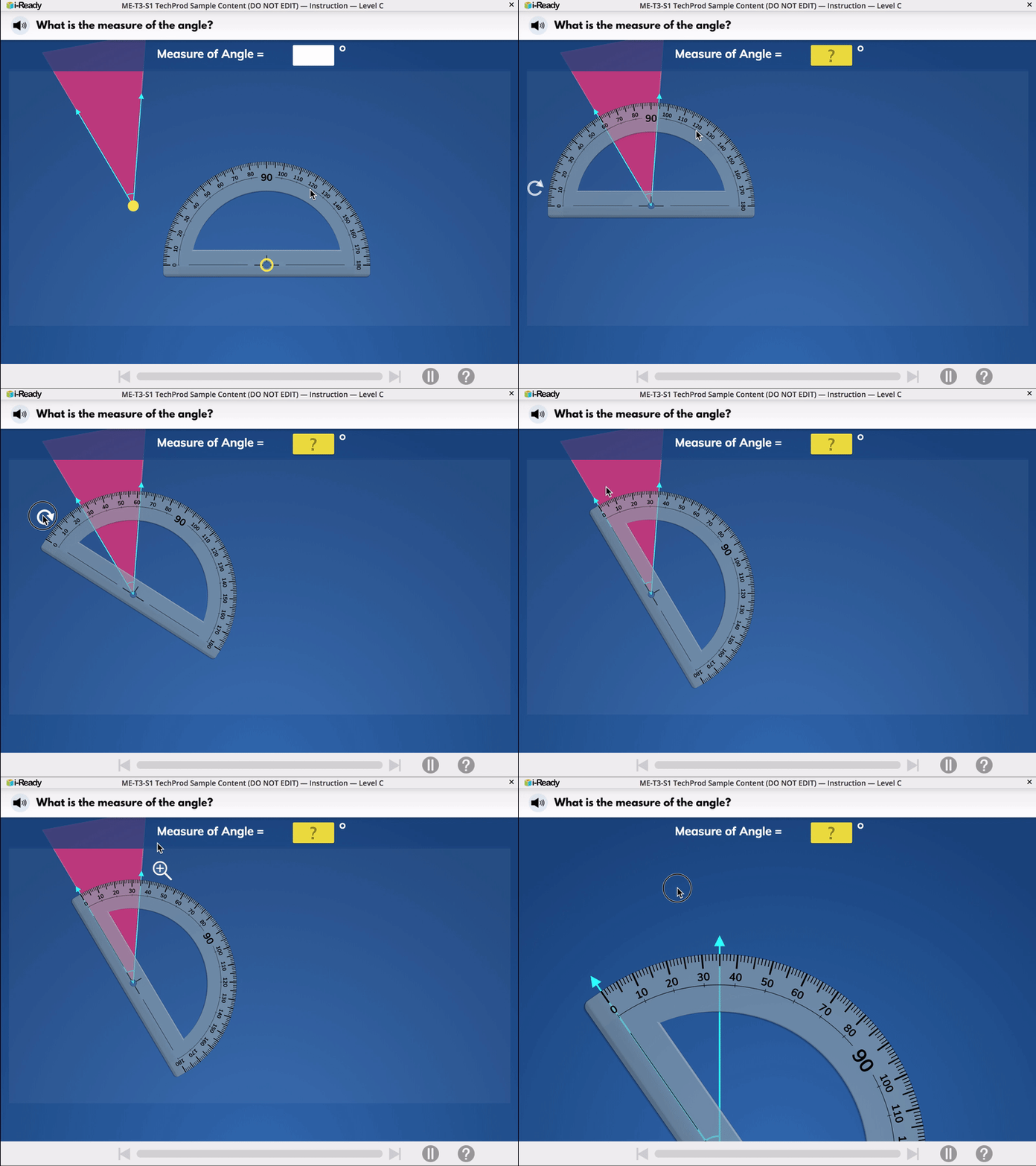
A template I took from concept through to final illustration: an interactive protractor experience for teaching angle measurement. Full pedagogical flow, interaction model, and visual design: making an abstract concept feel tactile.
Designing for Physical Learning
Geometry at age 7 is deeply physical. Kids understand shapes through sight and touch. Translating that into a flat screen required interactions that felt tactile and explorable.
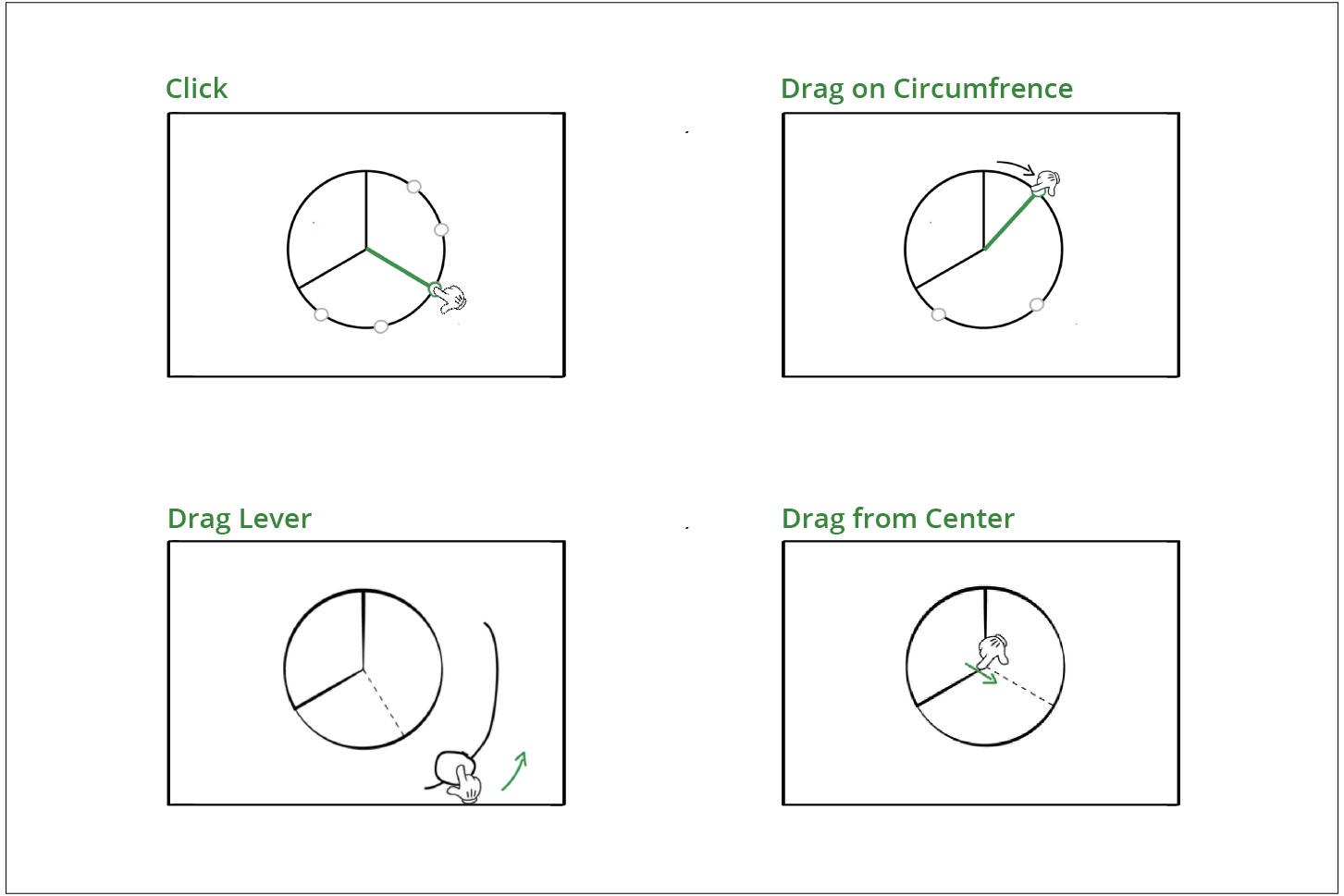
Testing Interaction Metaphors
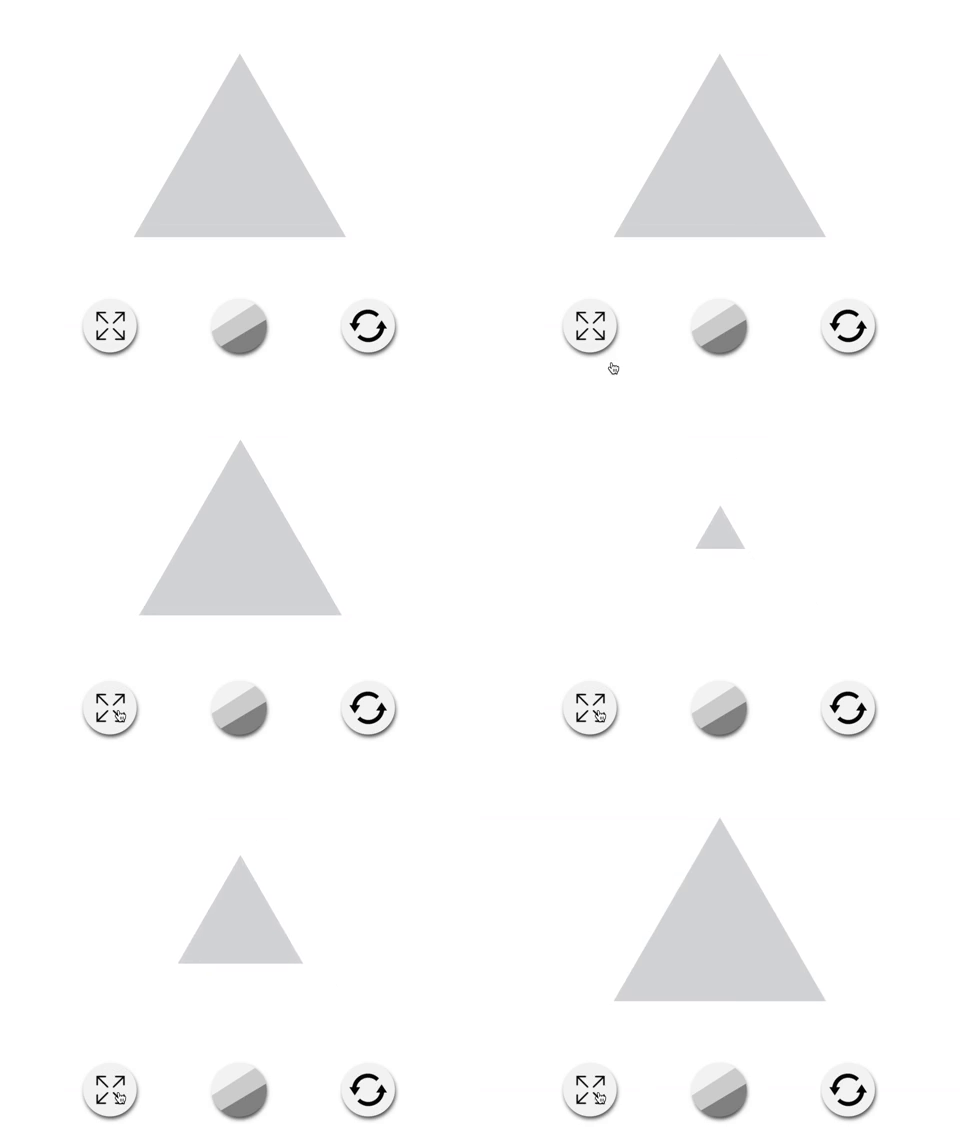
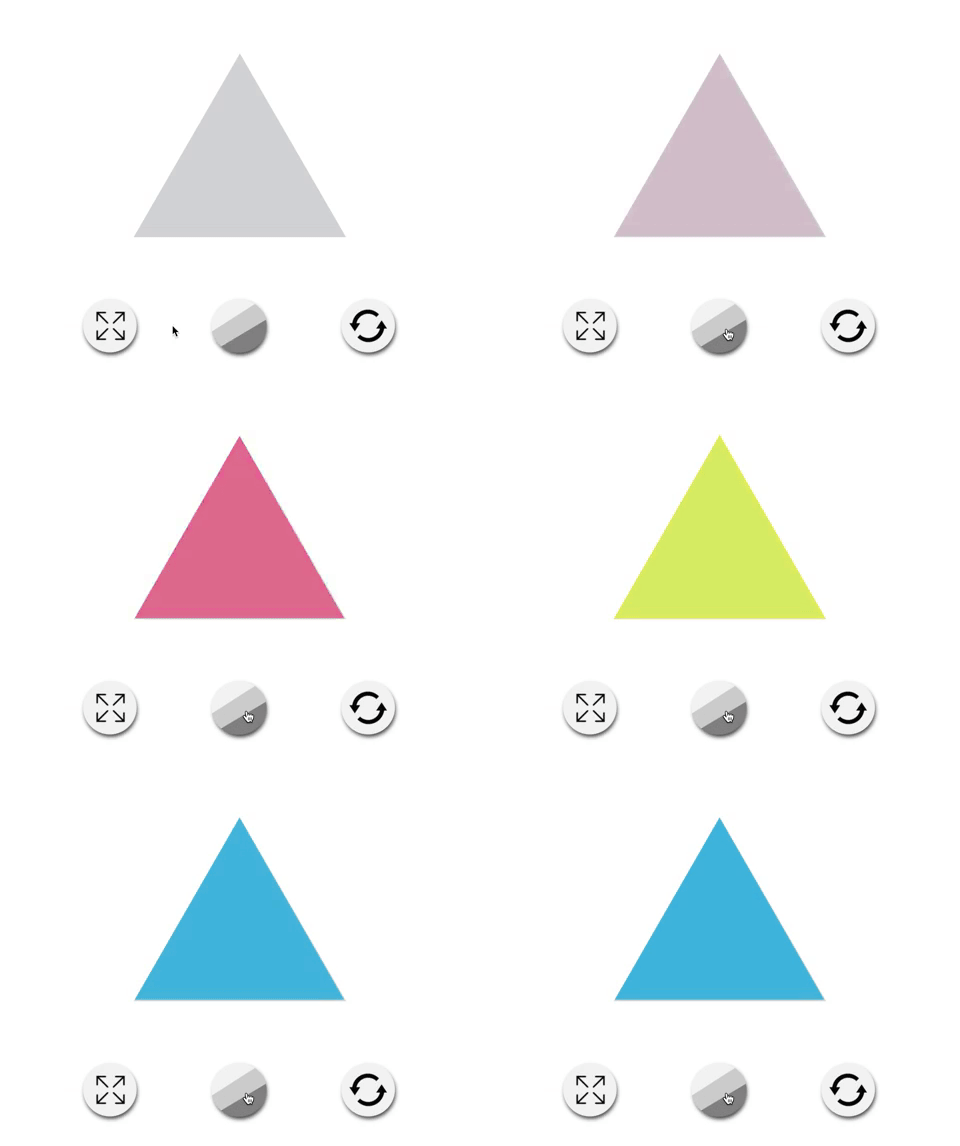
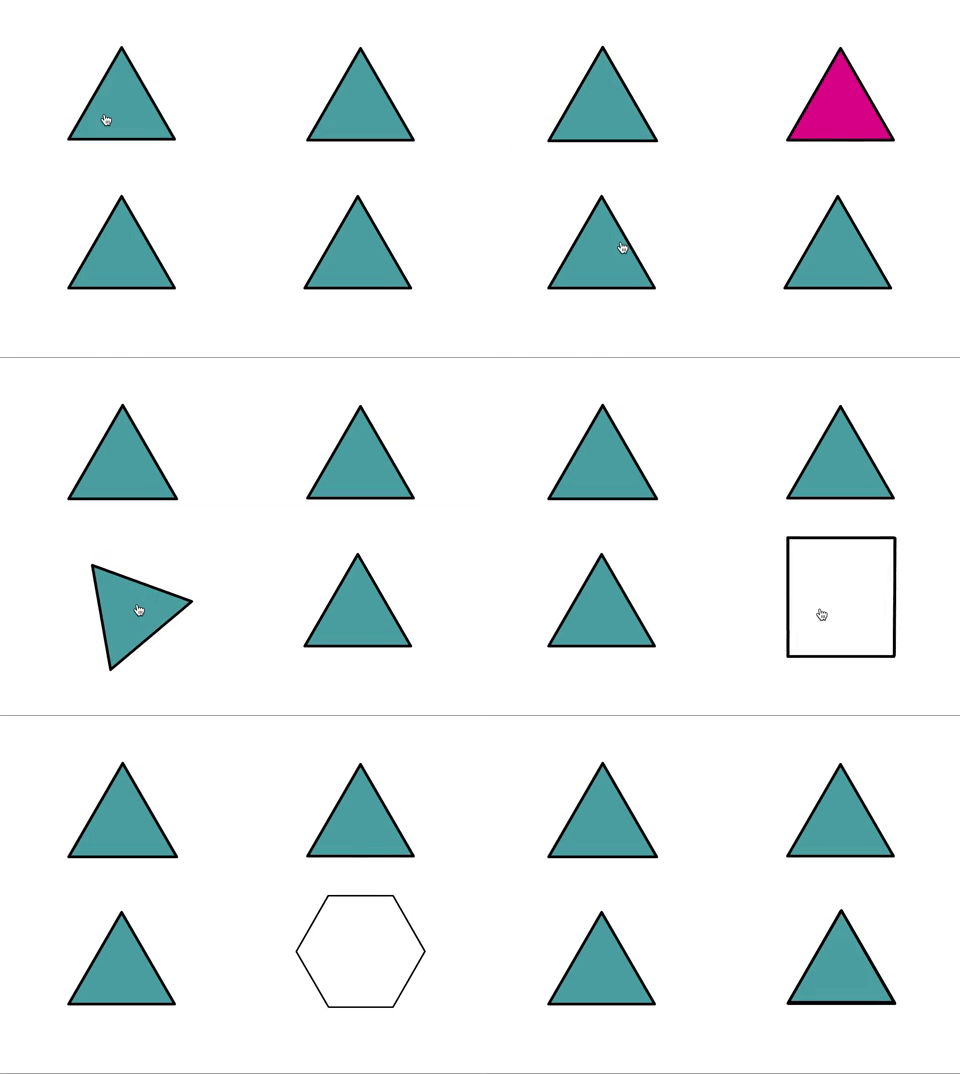
Early prototypes tested several interaction metaphors. Testing surfaced a clear problem: students were confused by the icons. The concept was right, but the visual language wasn't communicating to a 7-year-old.
Simplifying the Interaction
Stripping back the complexity made the interaction clearer: here the user manipulates the triangle through direct interaction rather than a button as a symbol. When the interface stopped asking kids to decode it, they could focus on the math.
Storyboarding the Learning Journey
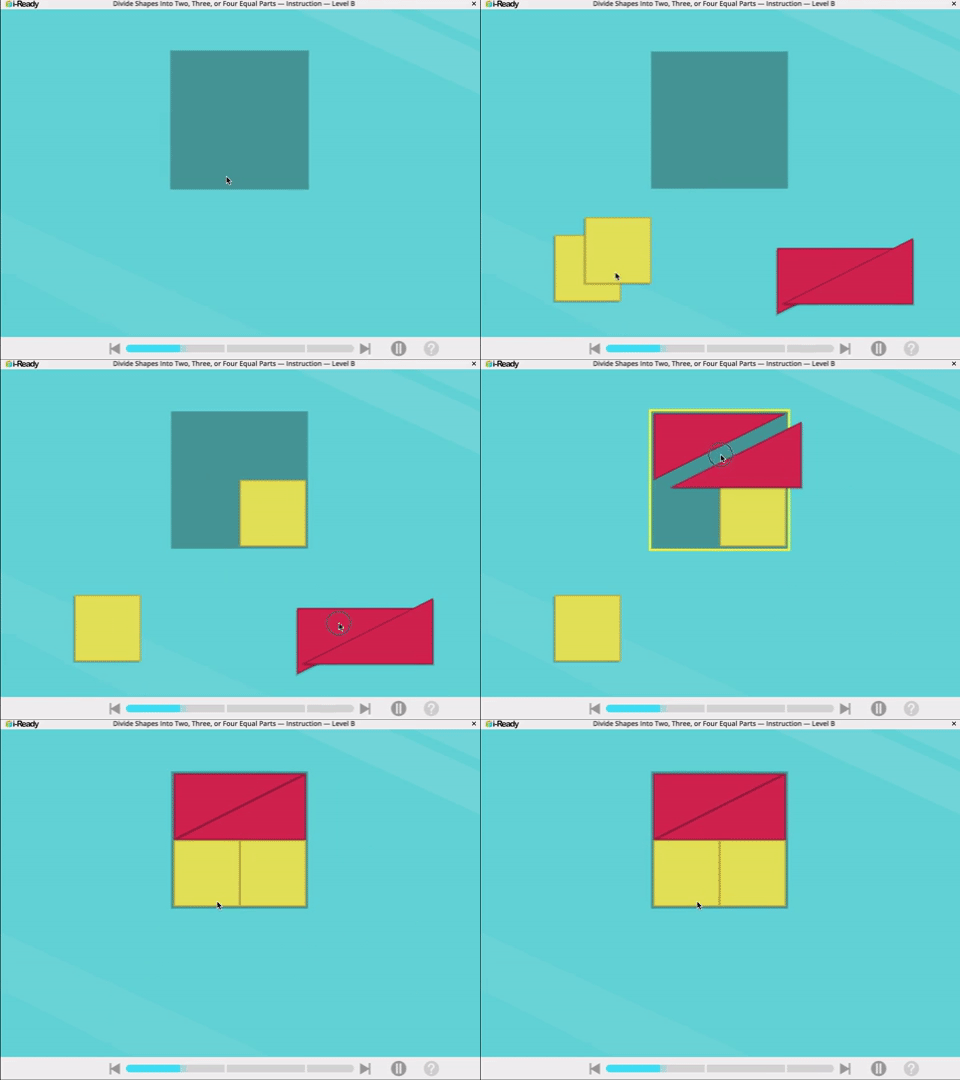
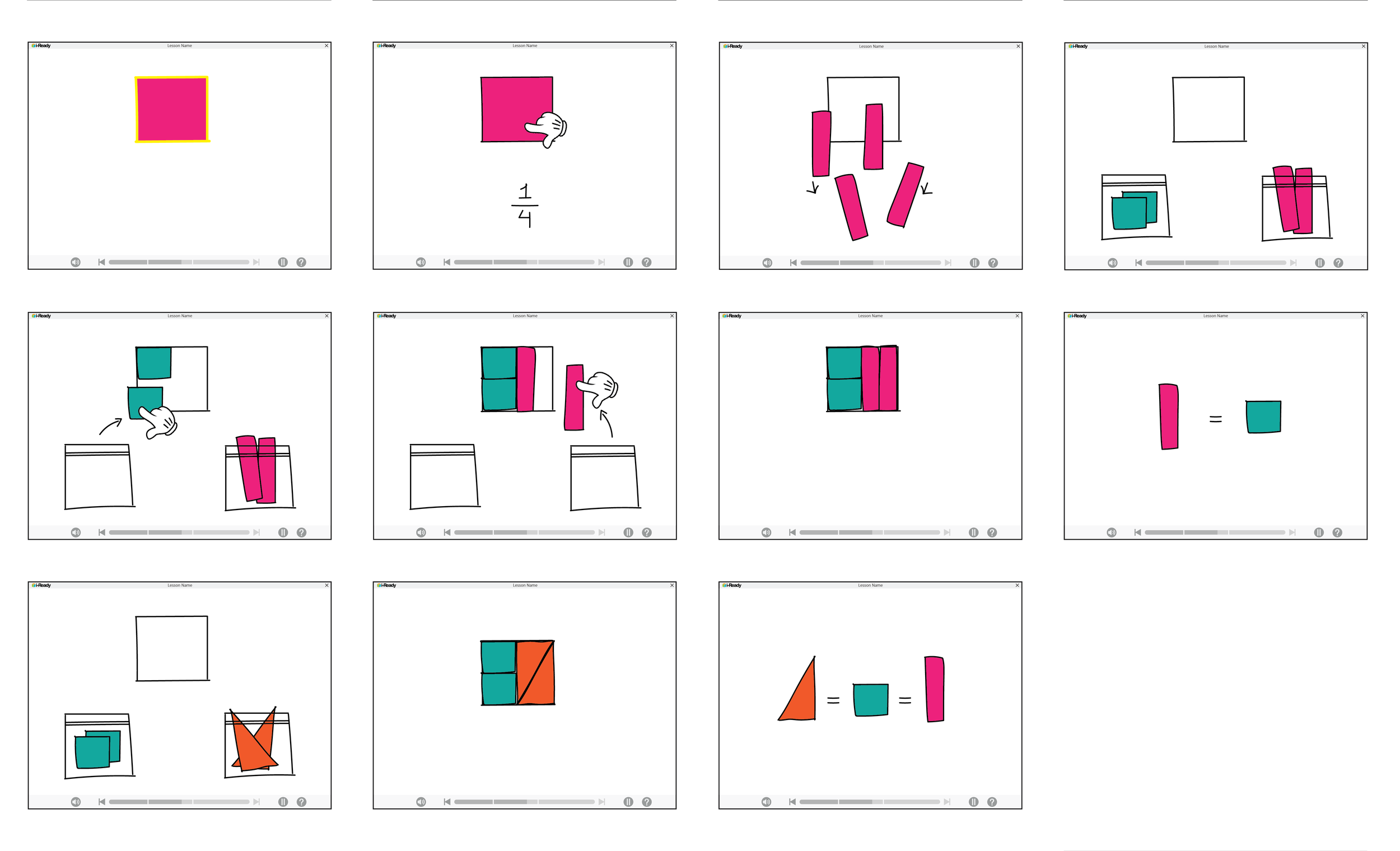
Another idea for exploring fractions: I use storyboards to map student flow against pedagogical requirements: planning animations, audio, and interaction moments. These artifacts ensure cross-functional alignment before production.
From Concept to Illustration
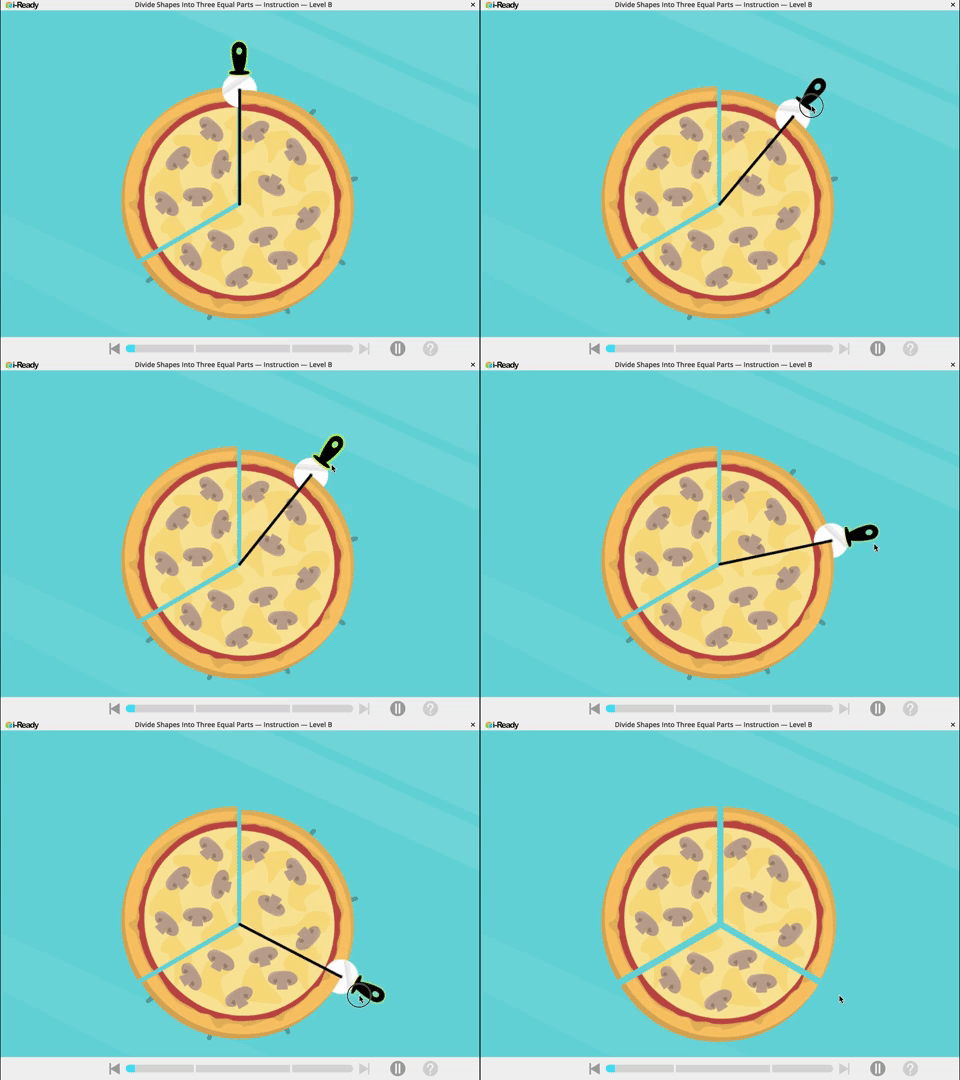
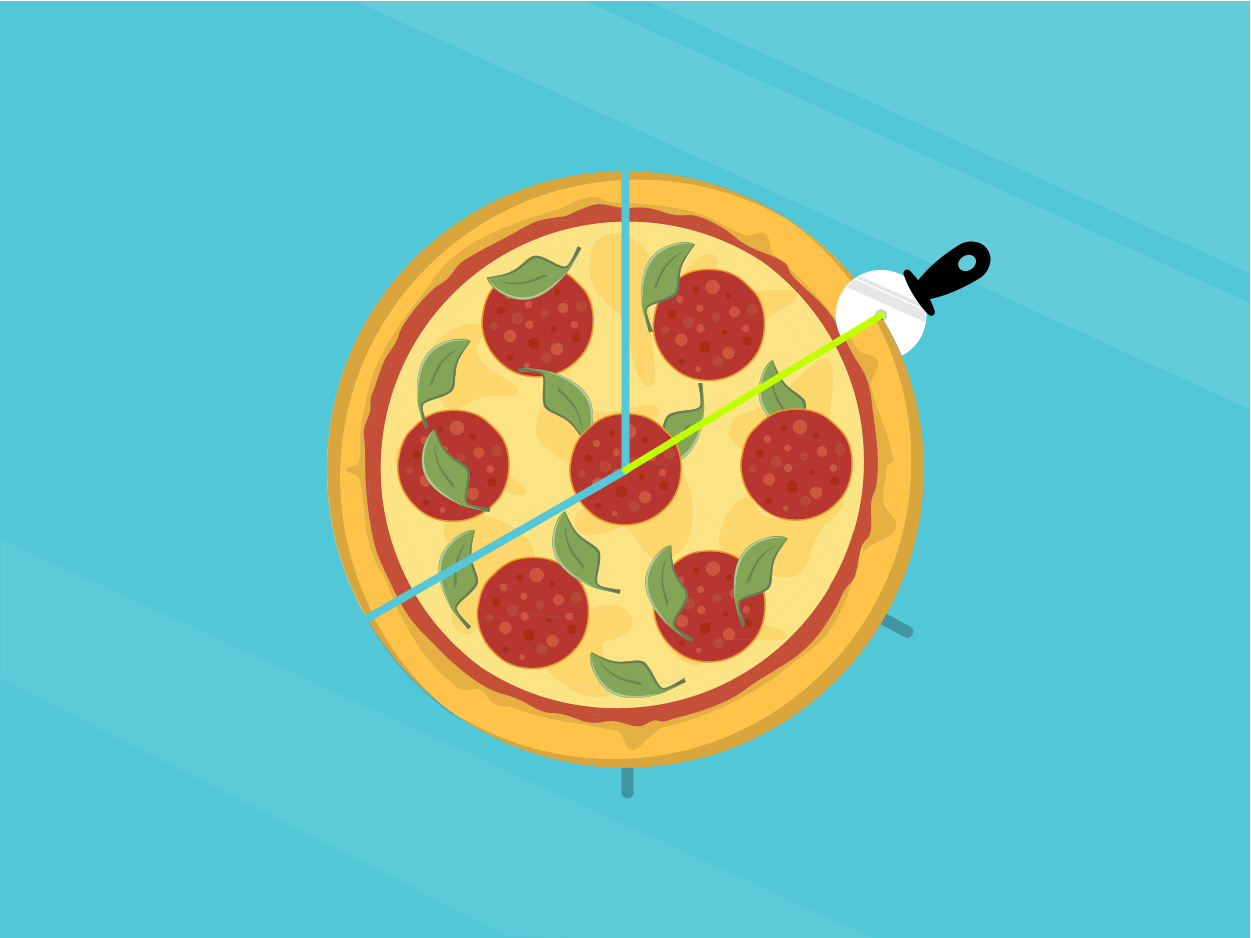
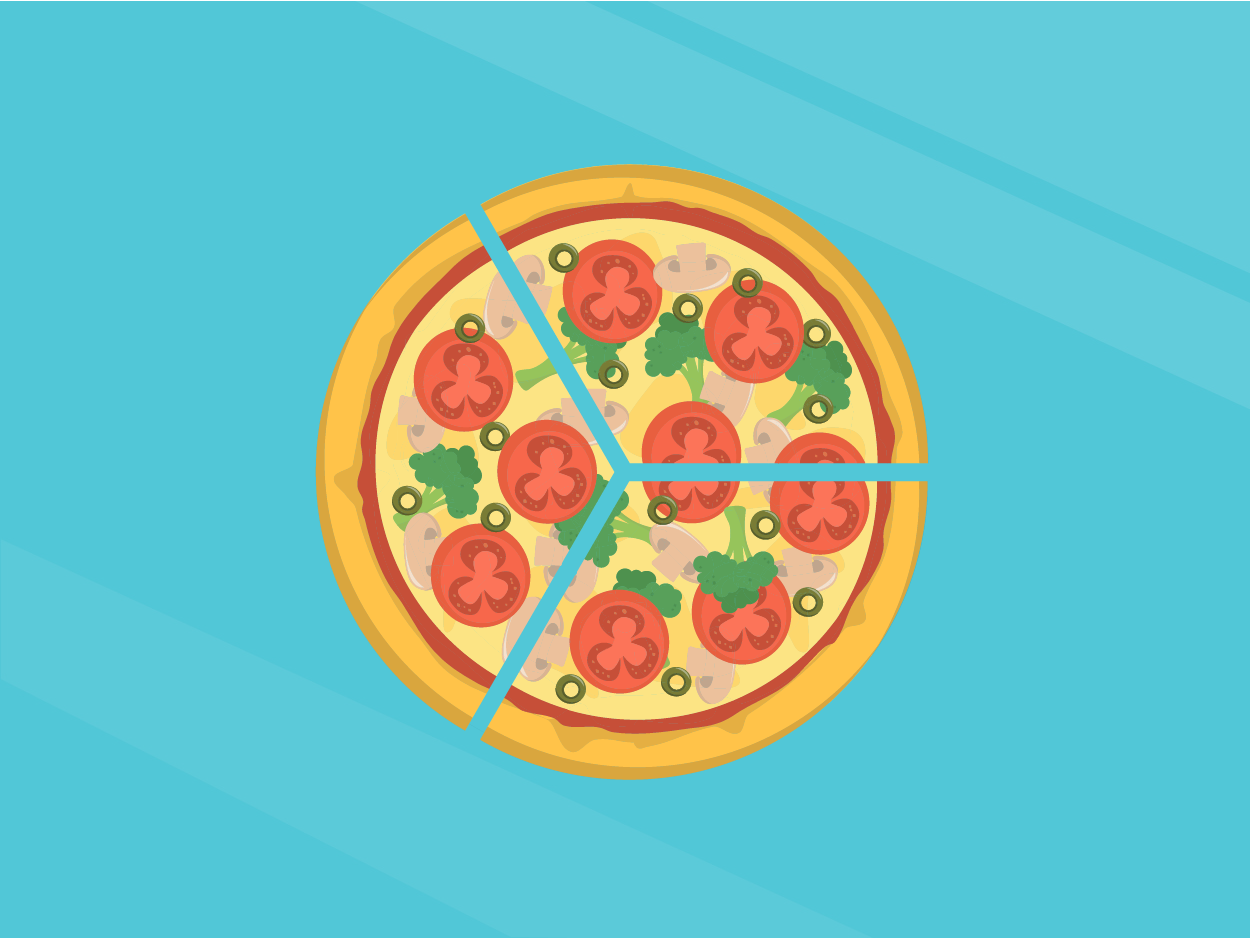
Here, I created the illustration as well as the interaction. A pizza-themed fractions context that gave students a familiar entry point into abstract mathematical concepts.
Interaction & Animation